Creavit Studio Logo

What's new in Creavit Studio?

Find every update we ship in one place. New features, fixes, and improvements for Creavit Studio.

v3.0.4

Apple Silicon · IntelJuly 24, 2026

Creavit Studio 3.0.4 — Release Notes

Our biggest update yet: keyboard shortcut overlays, a retro CRT screen effect, multi-clip projects, smarter compression presets, one-click updates, and a redesigned home screen.

recorder.png

✨ What's New

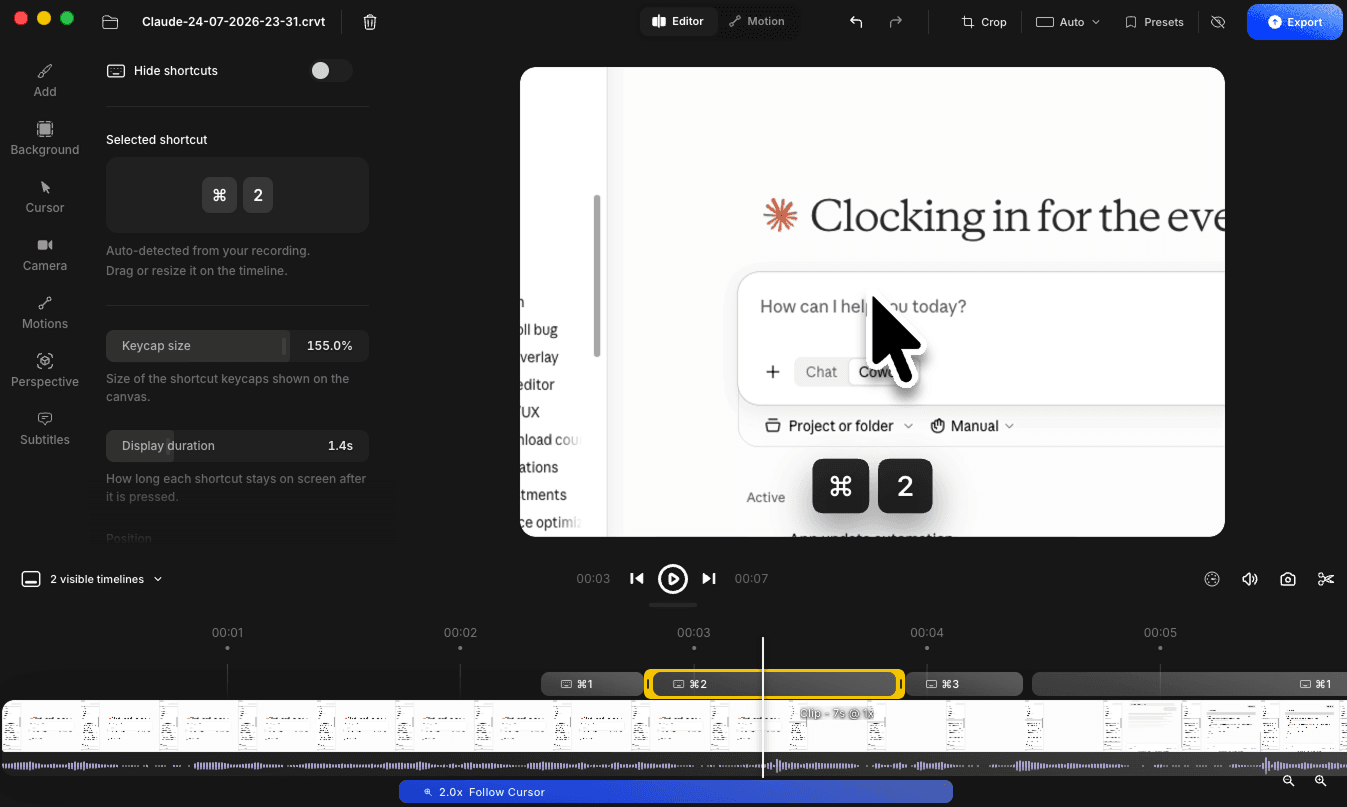
Keyboard shortcuts on screen

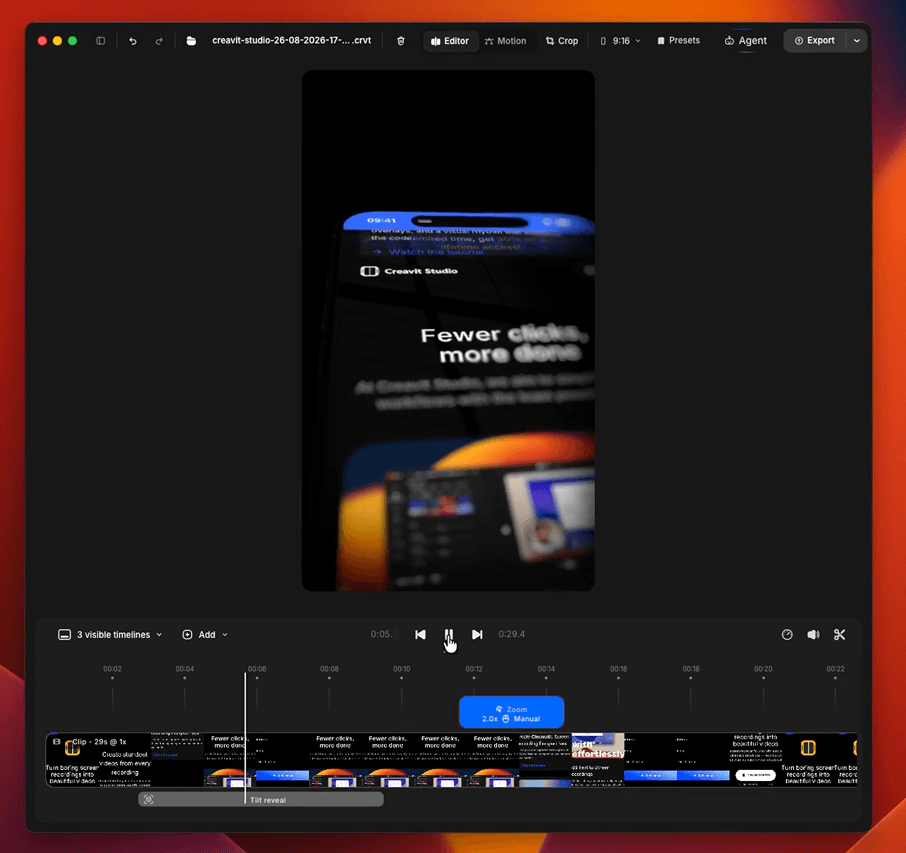
  • Shortcuts appear automatically — every ⌘ / ⌃ / ⌥ shortcut you press while recording is captured and turned into a keycap overlay on your video, so viewers can follow along. Only shortcut combinations are recorded — plain typing is never captured.
  • Full control in the timeline — each shortcut becomes its own timeline segment you can move, trim, or delete.
  • Style it your way — pick dark or light keycaps, choose from nine on-screen positions, adjust the size, or hide shortcuts entirely.
shortcut.png

CRT monitor effect

  • Retro screen look — a new CRT monitor effect turns your recording into a vintage tube display, complete with barrel curve, LCD subpixel grid and subtle color fringing.
  • Three simple dials — Density, Intensity and Sharpness let you go from a light pixel texture to a full retro monitor, and the preview matches your export exactly.

Multi-clip projects

  • Add another project to the timeline — open a project, then add any other `.crvt` file from the Add panel to append it to the end of your timeline. Each clip keeps its own cursor, camera and effects.

Camera

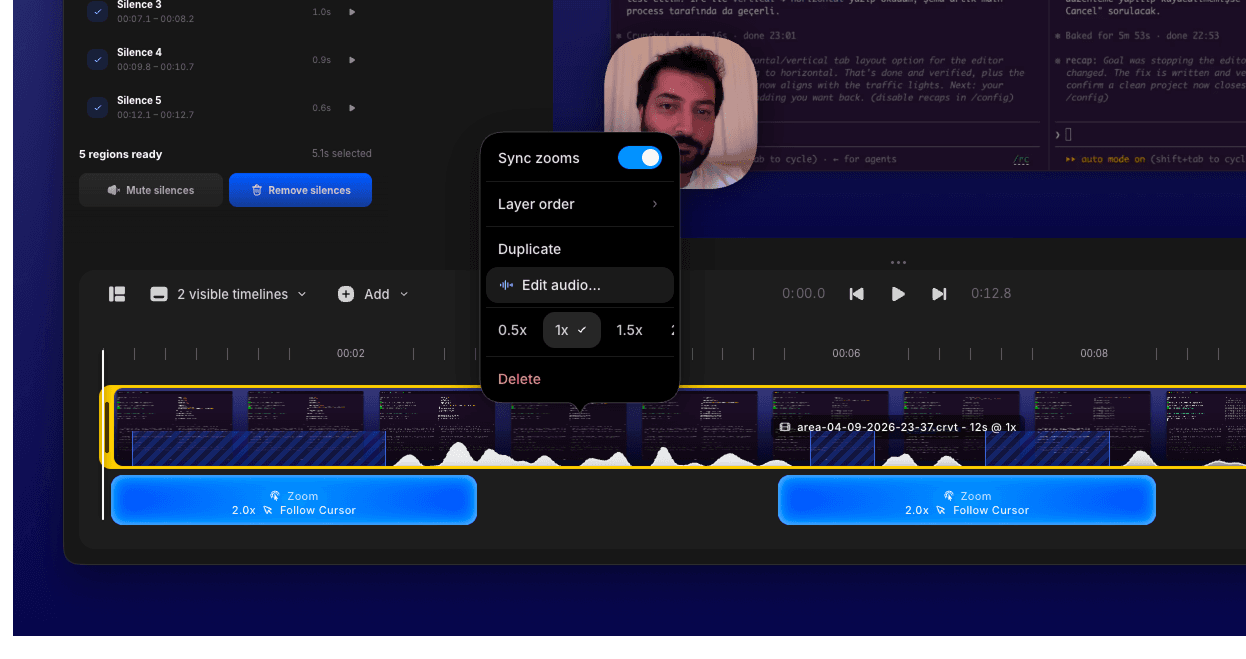
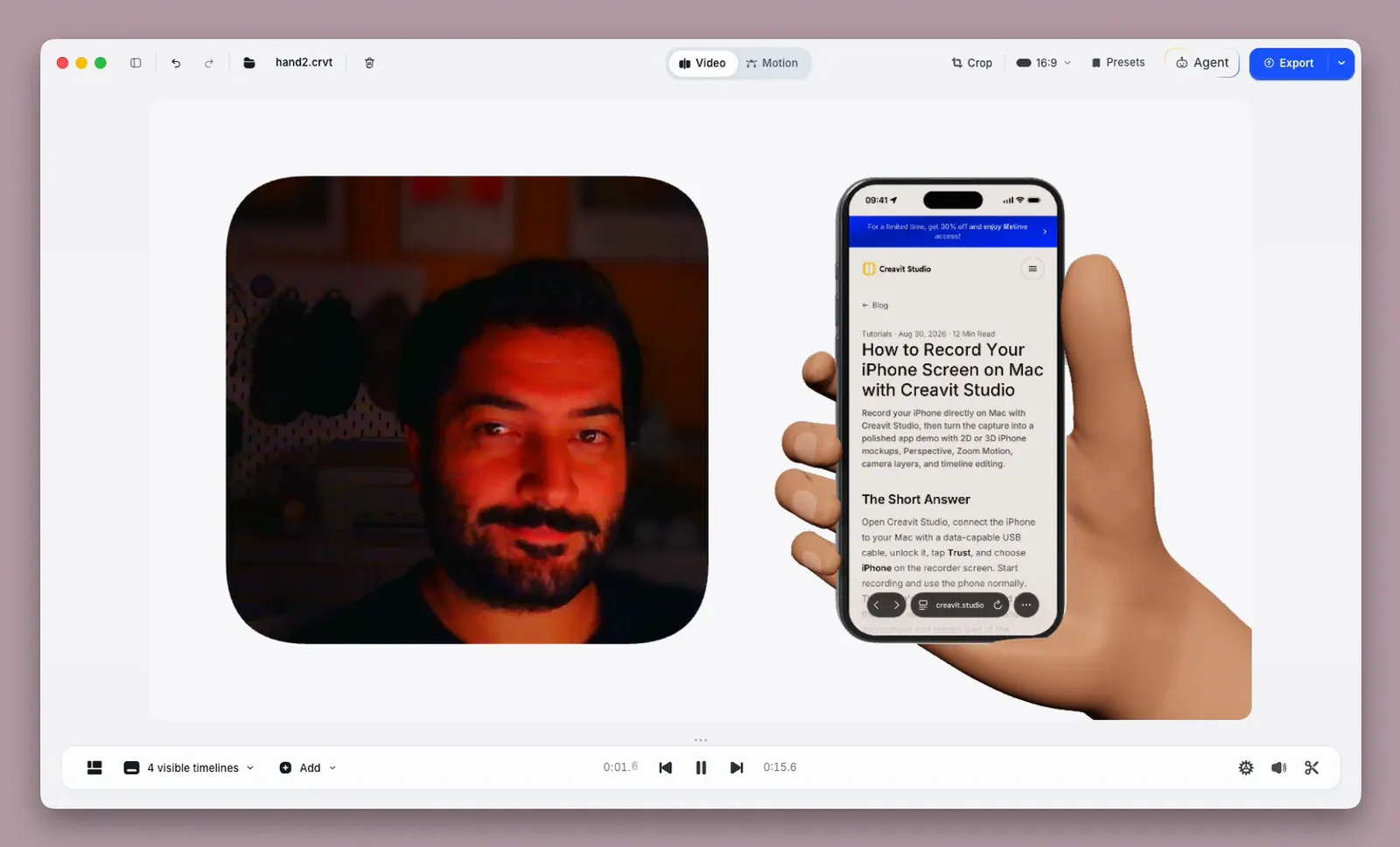
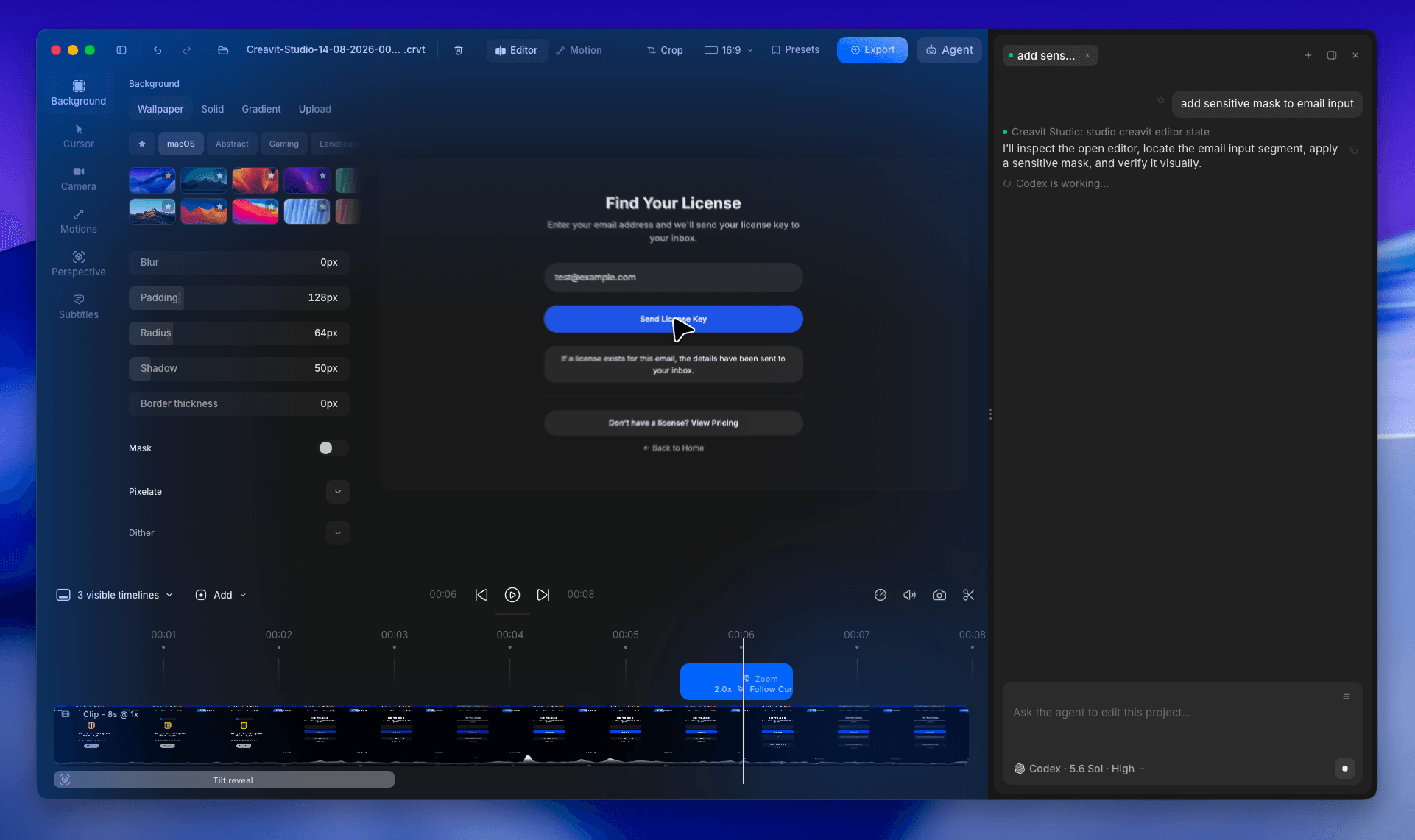
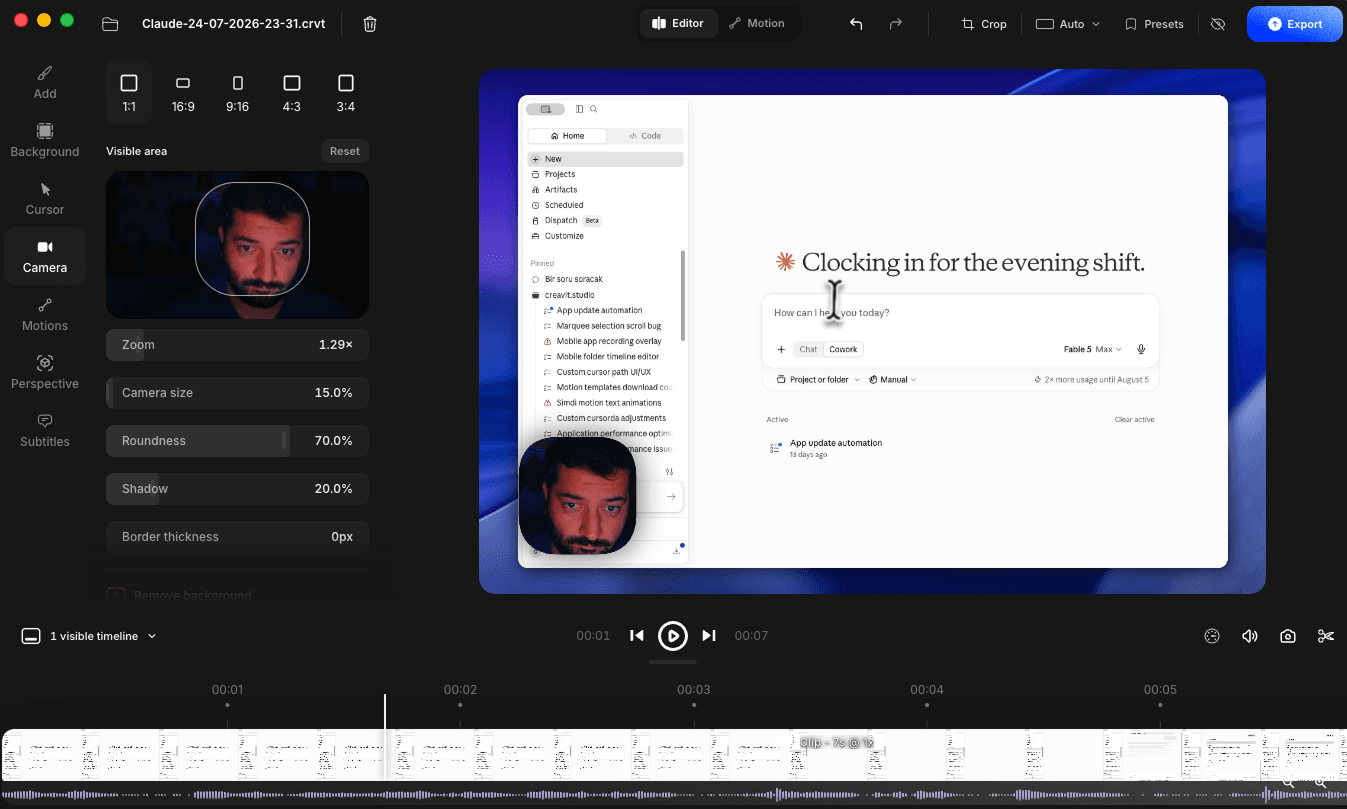
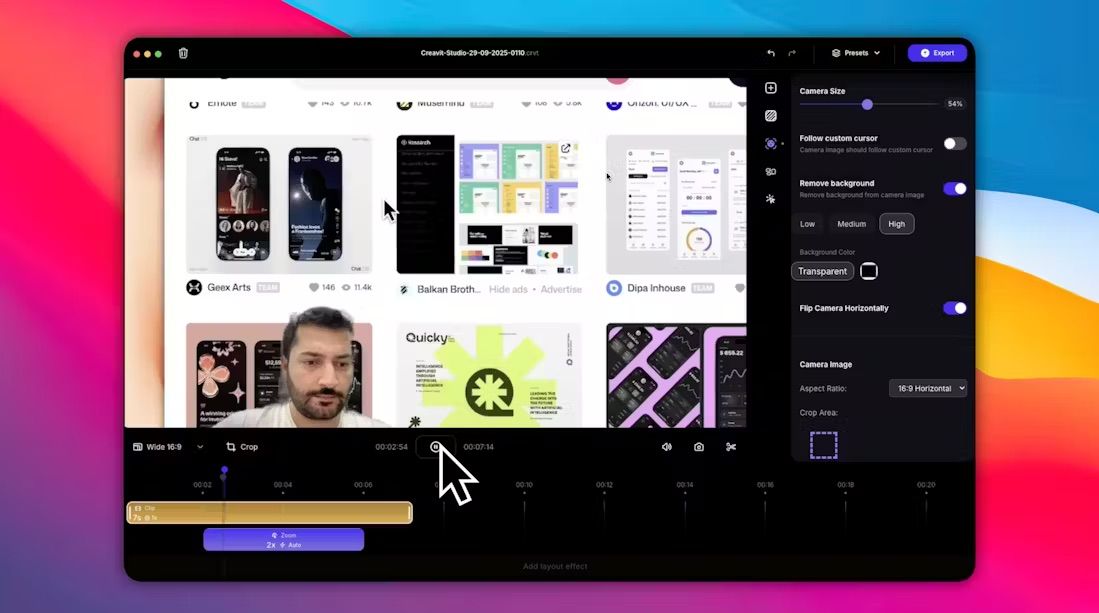
  • Visible area control — choose exactly which part of your camera frame stays visible, so you can frame yourself perfectly without re-recording.
  • Replace camera video — swap the camera track in an existing project for a new take.
  • Natural motion blur — the camera layer now blurs smoothly as it moves and scales, for a much softer, more professional feel.
  • Faster background removal — background removal is precomputed and cached in the background, so scrubbing and playback stay smooth instead of stuttering.
camera.png

Cursor

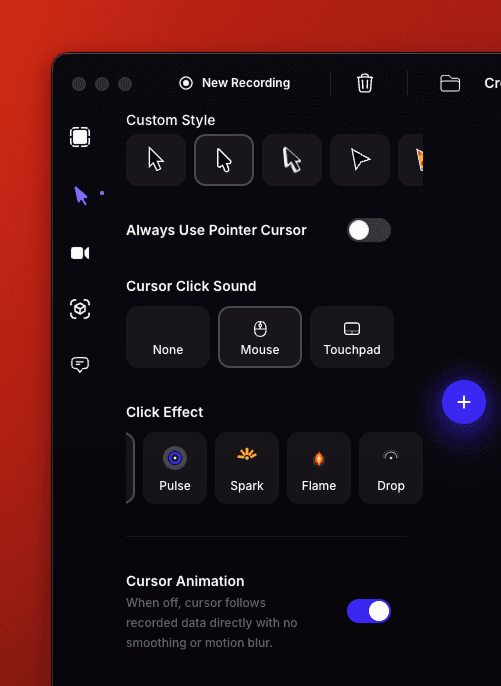
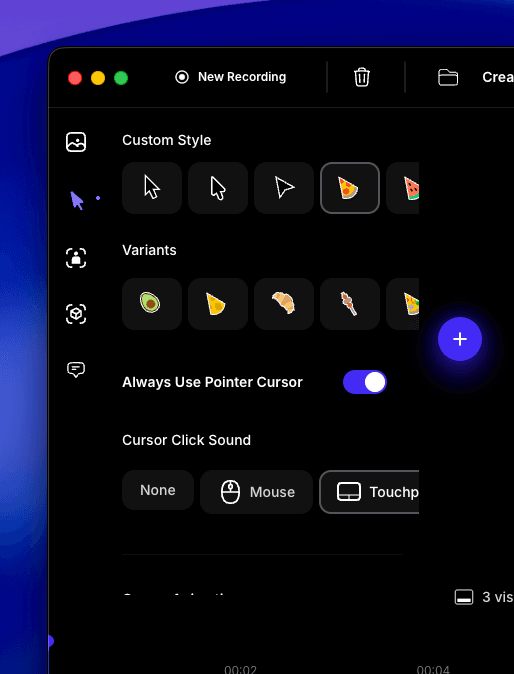
  • Touch cursor — a new touch-style cursor for demoing mobile and tablet interfaces, with its own tap states.
  • Smoother cursor motion — the cursor engine was rebuilt with better easing, motion blur and rotation, plus an Auto hide option that fades the cursor out when it sits idle.
  • More control — new sliders for cursor size, smoothness, max rotation angle and click effect intensity.

🚀 Improvements

Export

  • Compression presets — pick the profile that matches where your video is going:
  • Studio — maximum detail, no extra compression pass. Best for editing, archiving and professional delivery.
  • Social — high quality tuned for social platforms, keeping details crisp before the platform recompresses.
  • Web — balanced quality and size for embedding online.
  • Compact — the smallest practical file using quality-aware HEVC (H.265). Ideal for sharing and messaging, and it plays natively in QuickTime, Safari and on iOS.
  • Performance Mode — on by default for fast exports with small files at the same visual quality. Turn it off for absolute maximum fidelity (sharper text and edges, larger file, slower export).
  • Faster exports — video frames are now decoded through a much faster pipeline, cutting export times on long recordings.
  • Sharper zoom — exports hold their target bitrate on every frame, so zoomed-in moments no longer soften or show blockiness.
  • Better Motion exports — motion videos are encoded at high profile with a far higher bitrate and saved as MP4 instead of WebM.

Editor

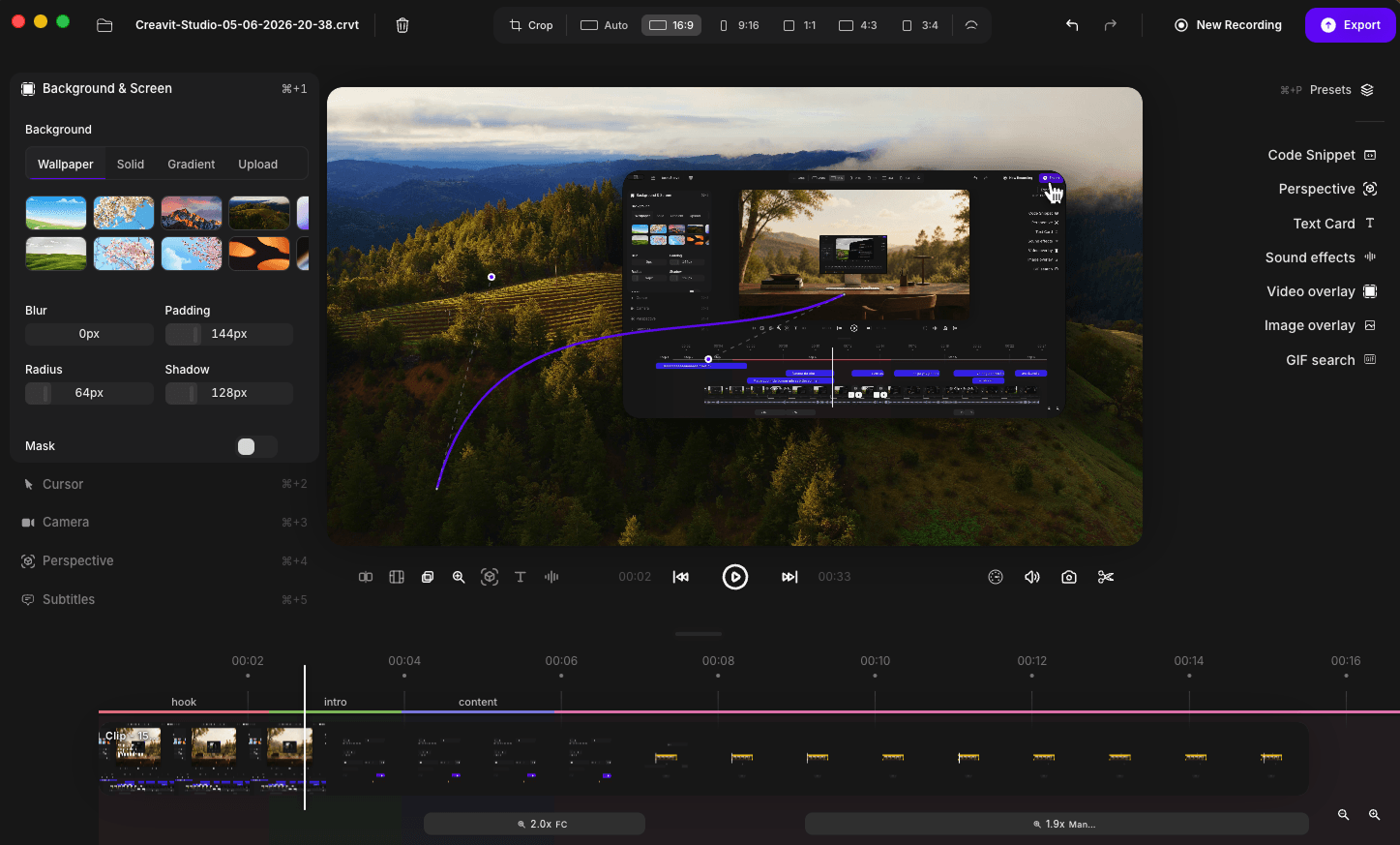
  • Preview Resolution — pick 360p, 720p, 1080p or 2K for the preview canvas right in the player bar. Lower it for smooth playback on heavy projects; your export quality is untouched.
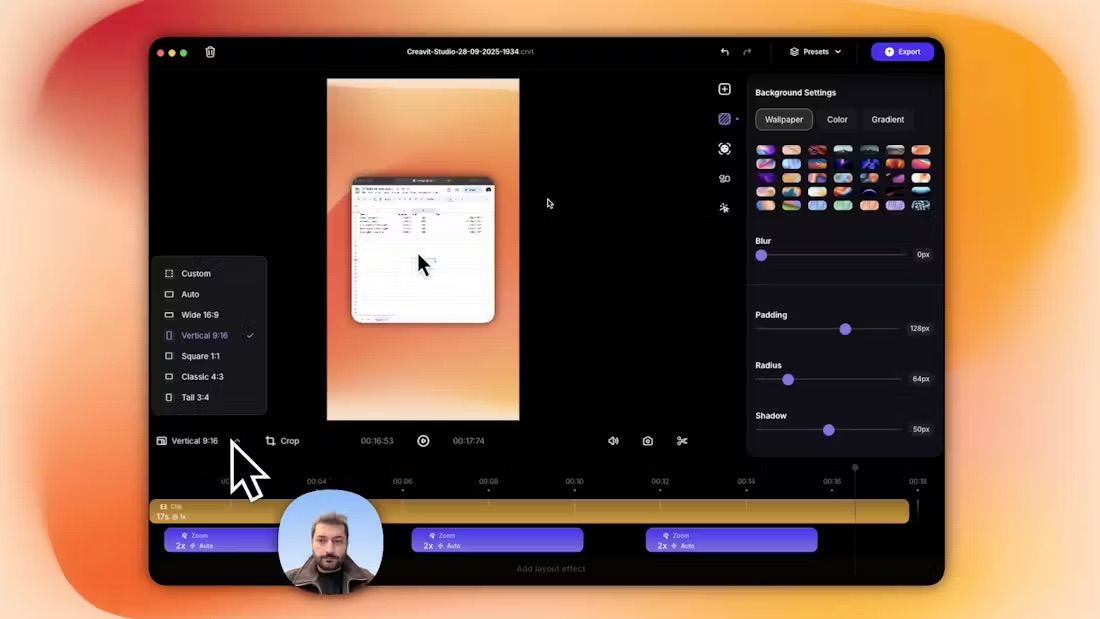
  • Compact aspect ratio picker — the long row of ratio buttons is now a single dropdown showing your current ratio.
  • Redesigned timeline segments — zoom, layout, step, code snippet and clip previews were all reworked for clearer, easier editing.
  • Refined controls throughout — new sliding selectors and reworked sliders across the camera, mouse, zoom, title and background panels.

Motion Studio

  • Export as HTML — turn any motion scene into a ready-to-use web folder. You get a ZIP with `index.html` and all images inside; animations are baked in as real CSS, so it plays anywhere with nothing extra to install.
  • Saved motions panel — save scenes you build and reuse them later from your own library.
  • Open Motion Studio from the home screen — it's now its own entry point, no need to go through the video editor first.
  • Editor ↔ Motion switch — a toggle at the top moves you between Video Editor and Motion Studio with a smooth transition.

Recording & home screen

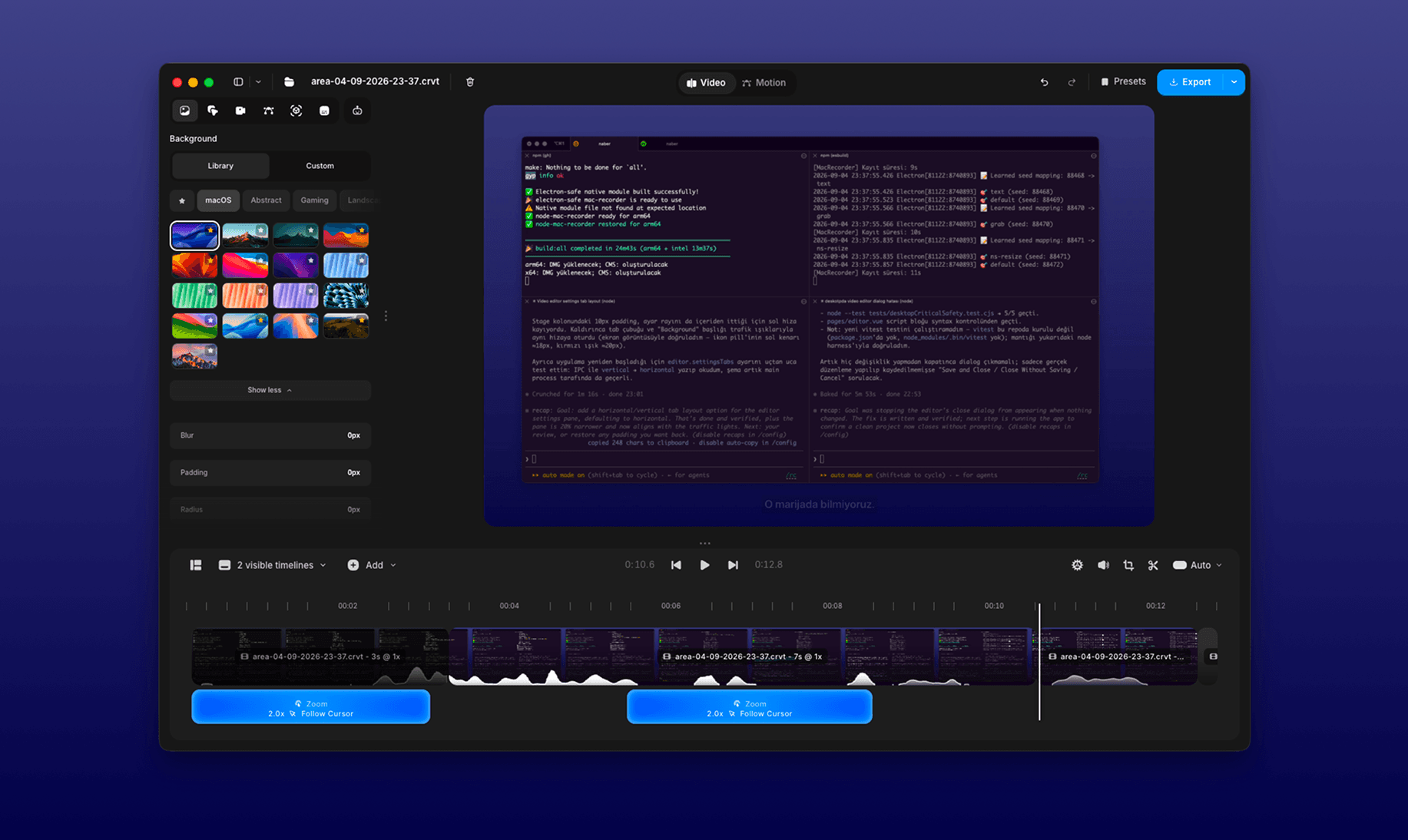
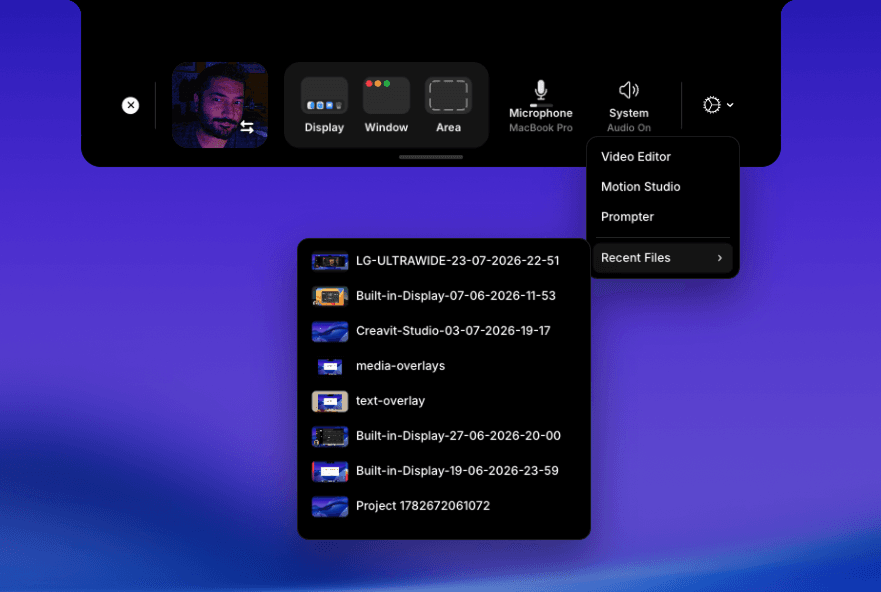
  • Redesigned home screen — a cleaner, more compact recorder with clearer Display, Window and Area selection, a Tools menu, and quick access to your recent projects with thumbnail previews.
  • Recording timer and live mic meter — see how long you've been recording and watch your microphone level, right in the overlay.
  • Night Flash Border — brighten your face in low light using a glowing screen border, toggled from the actions menu.
  • Your last recording area is remembered — the area you selected is restored for your next recording.
  • Explicit "do not record" options — clearly turn off camera or microphone from the device pickers.

Updates & licensing

  • One-click updates — updates now install themselves. The app closes, swaps in the new version and relaunches on its own, with no manual dragging into Applications. If anything goes wrong it falls back to the old behaviour.
  • Clearer plan selection — the license window now shows proper plan cards with pricing, tax notes, trial periods and a highlighted recommended plan.

Wallpapers

  • Opens on the right category — the wallpaper panel no longer lands on an empty Favorites list.
  • Older projects find their backgrounds — projects saved with the previous built-in wallpapers now match automatically to the online version.

🐛 Fixes

  • Fixed exports failing when an online wallpaper was used as the background.
  • Fixed camera flickering and blank frames when scrubbing the timeline.
  • Fixed camera drifting sideways when zooming, and jumping to the wrong spot when a layout ended.
  • Fixed stutter during zoom transitions.
  • Fixed cursor and zoom drifting at the seam between appended clips.
  • Fixed audio failing to play for some imported media files.
  • Changing preview quality no longer shifts the position of items on your canvas.
  • Fixed selection highlighting in the Background and Title panels so the active item is always clear.
  • Fixed the Motion / Editor switch flickering when changing modes.
  • Fixes to 3D animation settings (origin, transform, material, depth of field and lighting).
  • Smaller installer, plus general stability and performance polish.

v3.0.3

Apple Silicon · IntelJune 24, 2026

Creavit Studio 3.0.3 — Release Notes

✨ What's New

Wallpapers

  • Fresh wallpapers, always up to date — backgrounds are now delivered online, so you'll get new wallpapers automatically without updating the app.
  • Favorites — tap the star on any wallpaper to save it. Your favorites get their own category for quick access.
  • Better organized — wallpaper categories are now sorted more clearly.

🚀 Improvements

  • Much smaller download — the installer shrank by about 100 MB, so Creavit Studio downloads faster and takes up far less space on your Mac.
  • General stability and performance polish.

v3.0.2

Apple Silicon · IntelJune 23, 2026

Creavit Studio 3.0.2 is ready!

✨ New Features

Motion Editor

  • Lottie / dotLottie import — `.lottie` archives and Lottie JSON files can now be imported into the motion scene.
  • Google Fonts support — new font catalog lets you use Google Fonts in motion text.
  • Move Path overlay — visual motion-path drawing and editing for elements.
  • Group selection fixes — multi-element grouping and group selection are now more reliable.
  • Clipboard improvements — SVG copy/paste and motion element copy support.
  • Motion templates — template sorting and a "save to templates" button added.
  • Design panel & toolbar — refreshed inspector number fields, color field, transform handles, and floating toolbar.

Cursor

  • Manual cursor — add manual cursors with their own settings and motion animation (including saving).
  • Custom cursor motion blur — motion blur applied to the cursor body via the source canvas.
  • New cursor sets — updated/expanded `default` and `modern` cursor SVGs.
  • Cursor shadow fix — fixed cursor shadow rendering issues.

Editor & UI

  • Redesigned Title settings.
  • Updated slider/input components and input styles.
  • New Google Fonts added to the editor.

🐛 Fixes & Improvements

  • Fixed brightness adjustment.
  • Motion render & animation performance improvements.
  • Editor welcome overlay updates.

🧪 Tests

  • New motion test suites: clipboard, grouping, Lottie import, and move-action tests.

v3.0.0

Apple Silicon · IntelJune 12, 2026

Creavit Studio 3.0.0 Release Notes

What's New

Brand-New Motion Editor

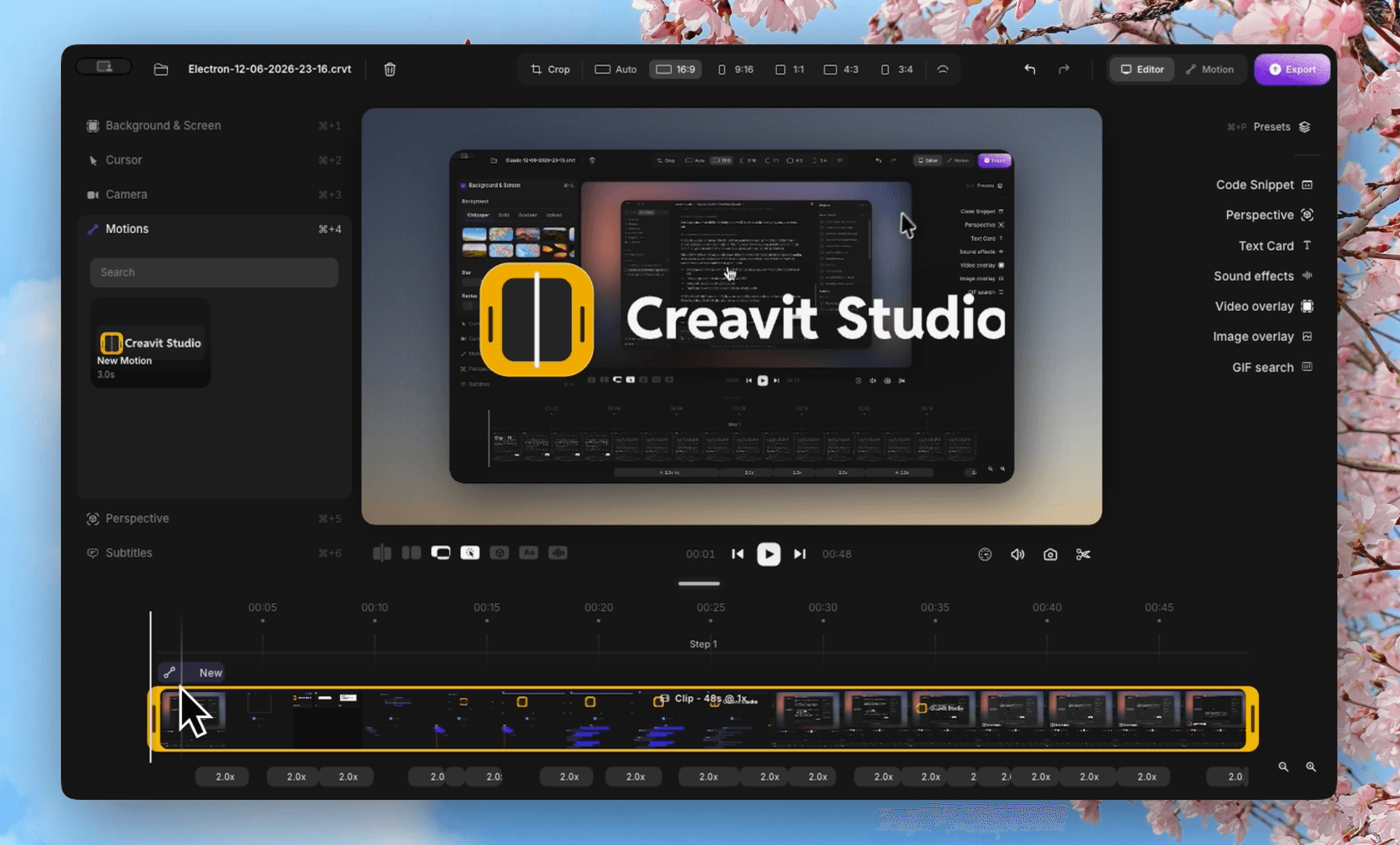
A completely new Motion mode has been added next to the video editor.

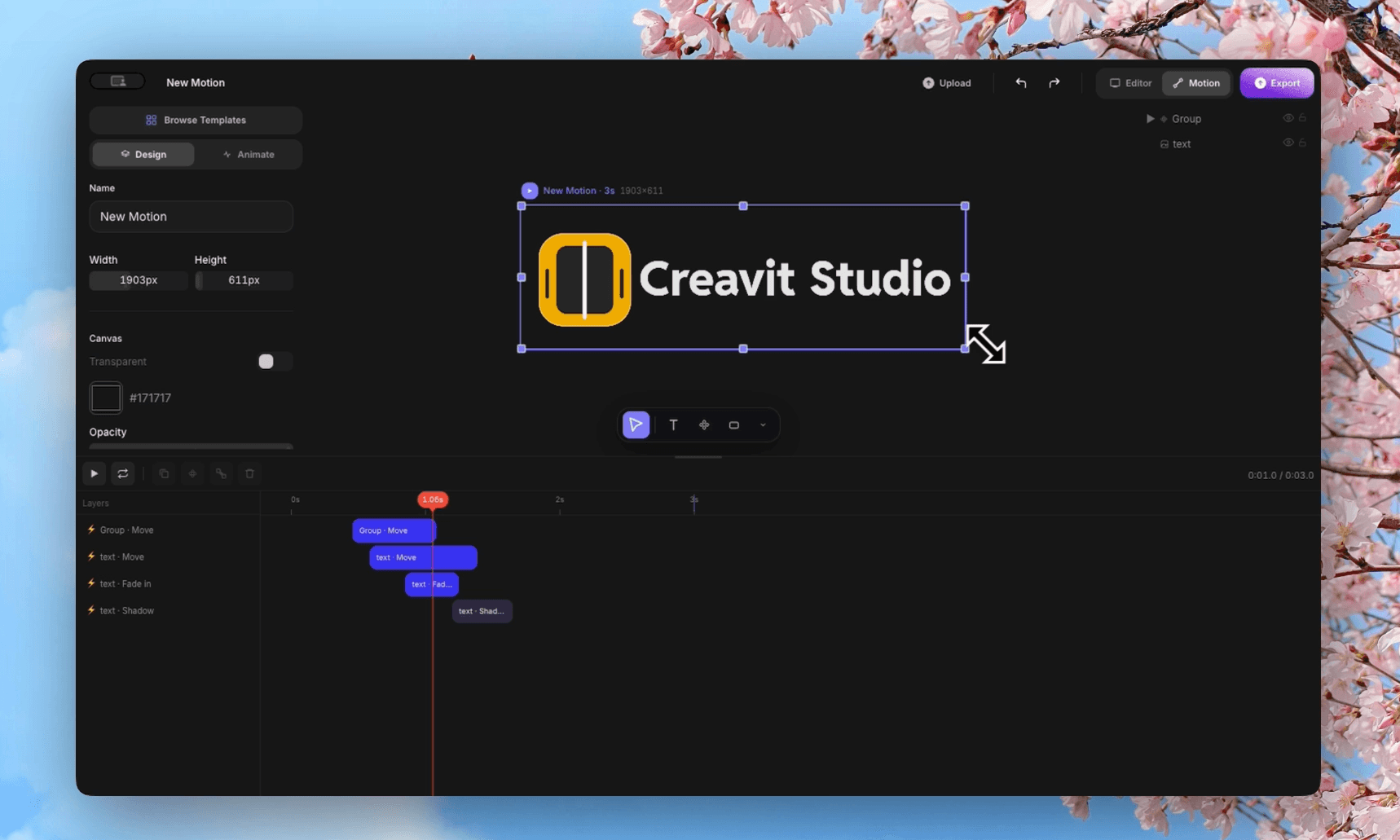
You can now design animated motion graphics — text, shapes, images, and video clips — on a dedicated canvas with layers, transform handles, a floating toolbar, and a full properties panel.

Motion Timeline and Animations

Motion mode comes with its own timeline and playback controls.

Every element can be animated with enter/exit actions and fine-tuned animation parameters, and the scene duration can be adjusted freely — making it easy to build polished animated sequences.

image 11.png

Motion Templates and Library

Ready-made motion templates help you start quickly, and every motion you create is saved to your personal library.

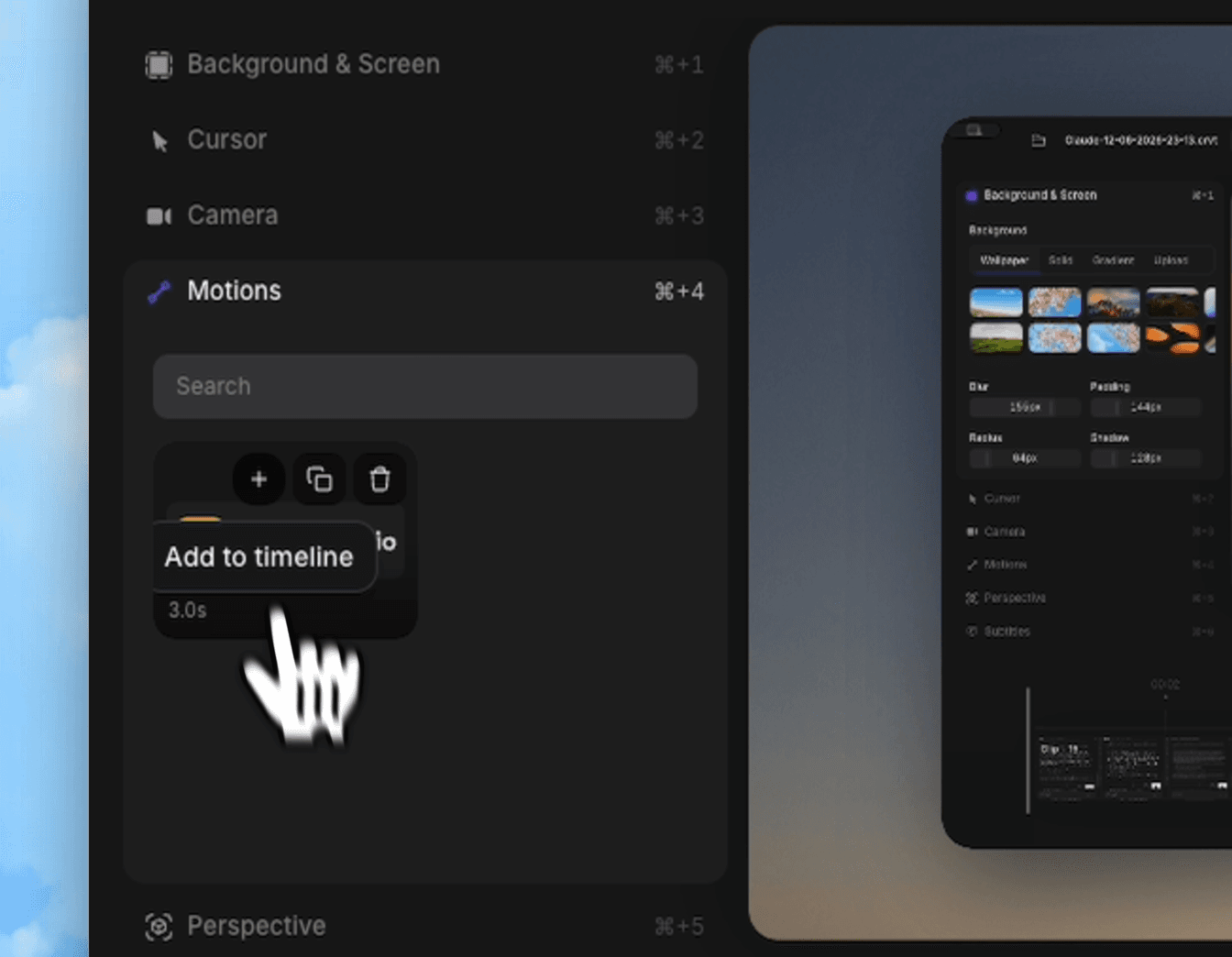
Motions from your library can be added directly onto your screen recordings from the editor, so your animations and recordings work together.

image 13.pngimage 14.png

Motion Export and Import

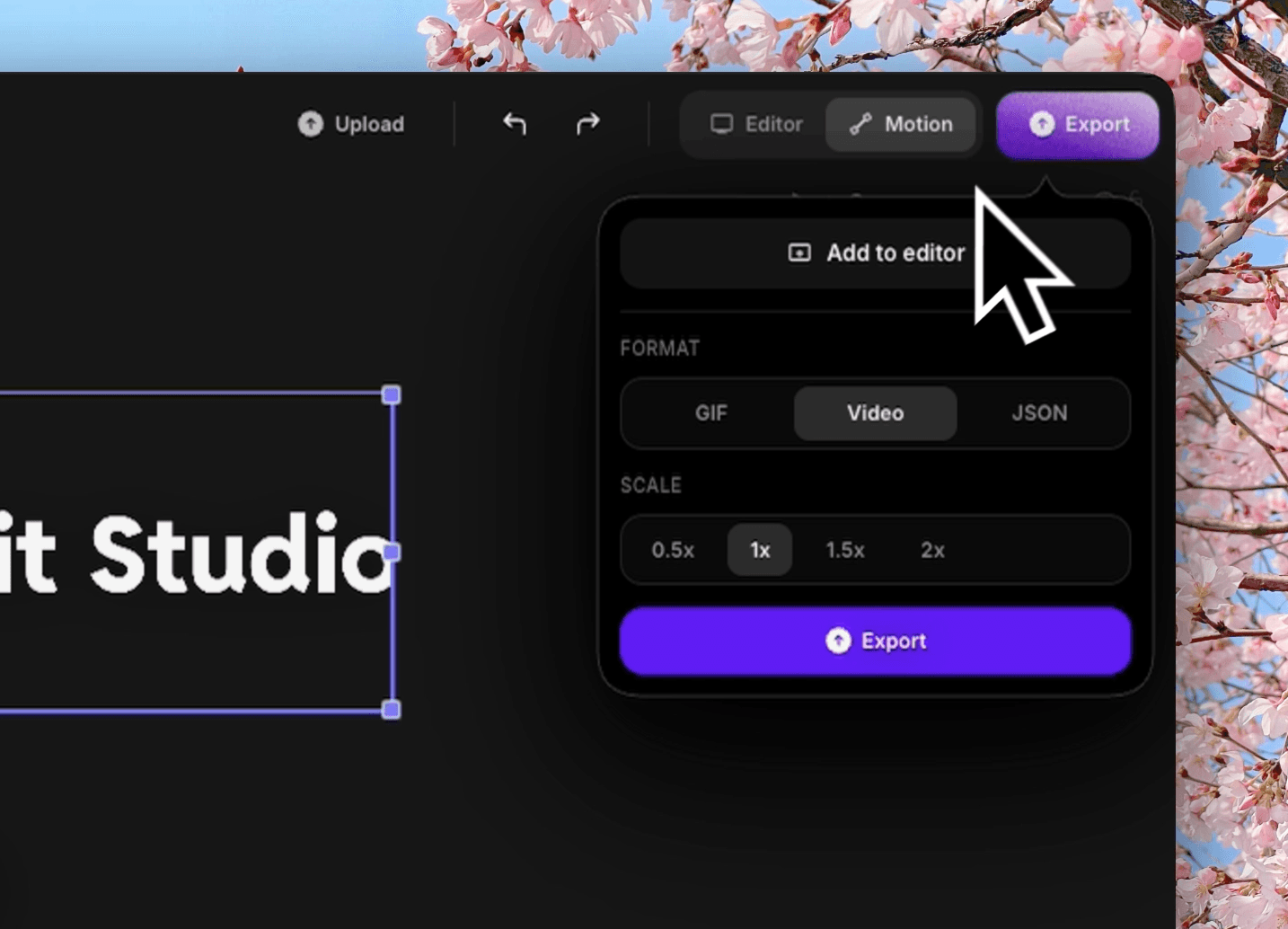
Motions can be exported as GIF, Video, or JSON at 0.5x to 2x resolution.

JSON files can be imported back into the Motion editor, making it easy to back up your work or share motions with others.

image 12.png

Easier Canvas Editing with Multi-Select and Snapping

You can now select multiple elements with a marquee selection and move them together.

Smart snapping guides help you align elements precisely, and SVG content can be pasted directly onto the canvas.

GPU-Accelerated Zoom and Motion Blur

Zoom transitions and motion blur are now rendered on the GPU.

Playback and preview feel noticeably smoother, especially in projects with heavy zooms and fast cursor movement.

Smoother Cursor Motion Blur

The cursor trail has been completely reworked.

Fast cursor movement now produces a single soft, continuous smear instead of visible ghost copies, and the cursor keeps a clean, steady drop shadow while moving.

True-to-Source Video Colors

Recordings are now color-tagged end to end, and the slight darkening previously applied in the player has been removed.

Your exported video now matches the original screen colors and brightness exactly.

Improvements

  • Performance improvements have been made across the app, including faster editor startup.
  • 3D perspective mode rendering is now faster and smoother.
  • The Export buttons have been redesigned with a new gradient and texture.
  • Media player control icons have been refreshed.
  • Motion export workflow has been improved.
  • Audio playback behavior has been improved.

Fixes

  • Fixed videos appearing slightly darker in the editor than the original recording.
  • Fixed cursor motion blur showing stepped, repeated cursor copies during fast movement.
  • Fixed the cursor shadow appearing as a detached sharp outline behind the motion blur.
  • Many bugs have been fixed and general stability has been improved.

v2.3.0

Apple Silicon · IntelJune 5, 2026

Creavit Studio 2.3.0 Release Notes

What's New

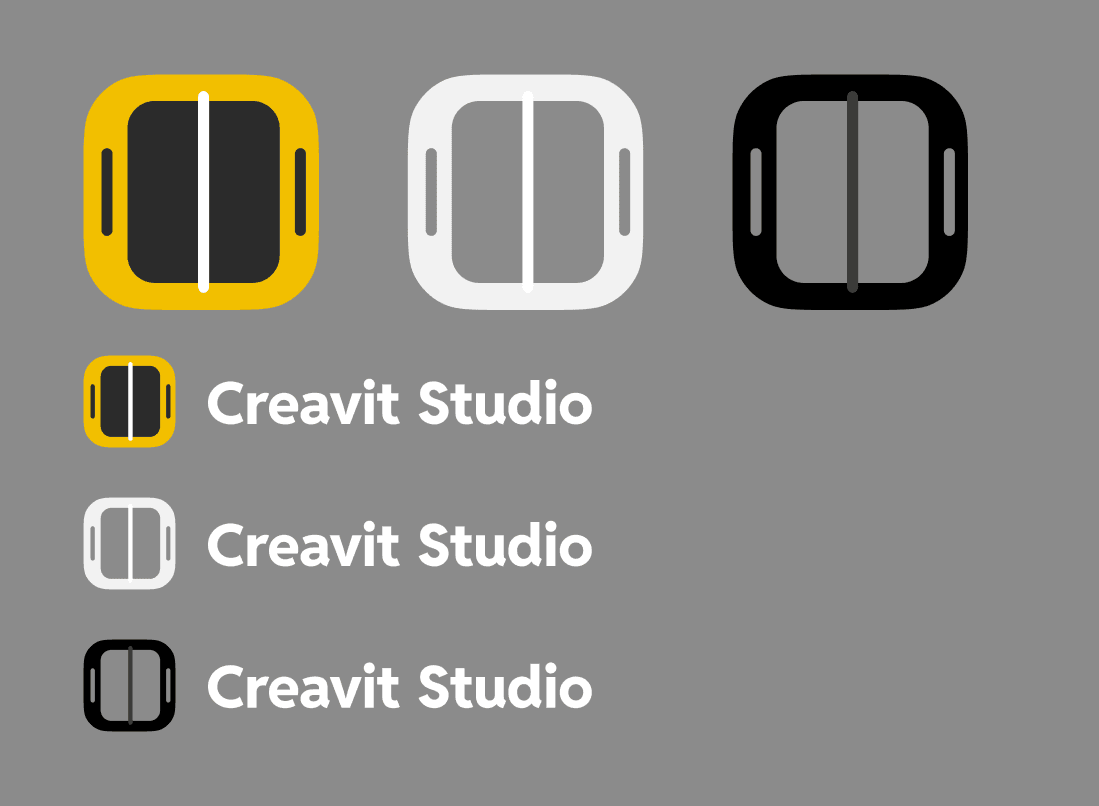
New Logo Design

A new logo has been designed for Creavit Studio.

The new logo better reflects the app’s modern, creative, and professional identity.

Frame 6.png

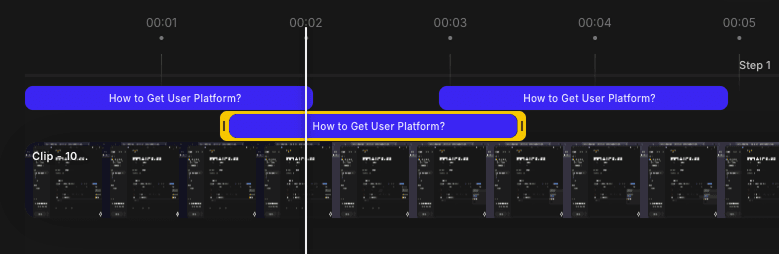
Step-Based Element Editing

A new step logic has been added to the editor.

Elements can now have different position, size, and rotation values across different steps. This makes it much easier to create more dynamic scenes, transitions, and advanced layouts.

image 5.png

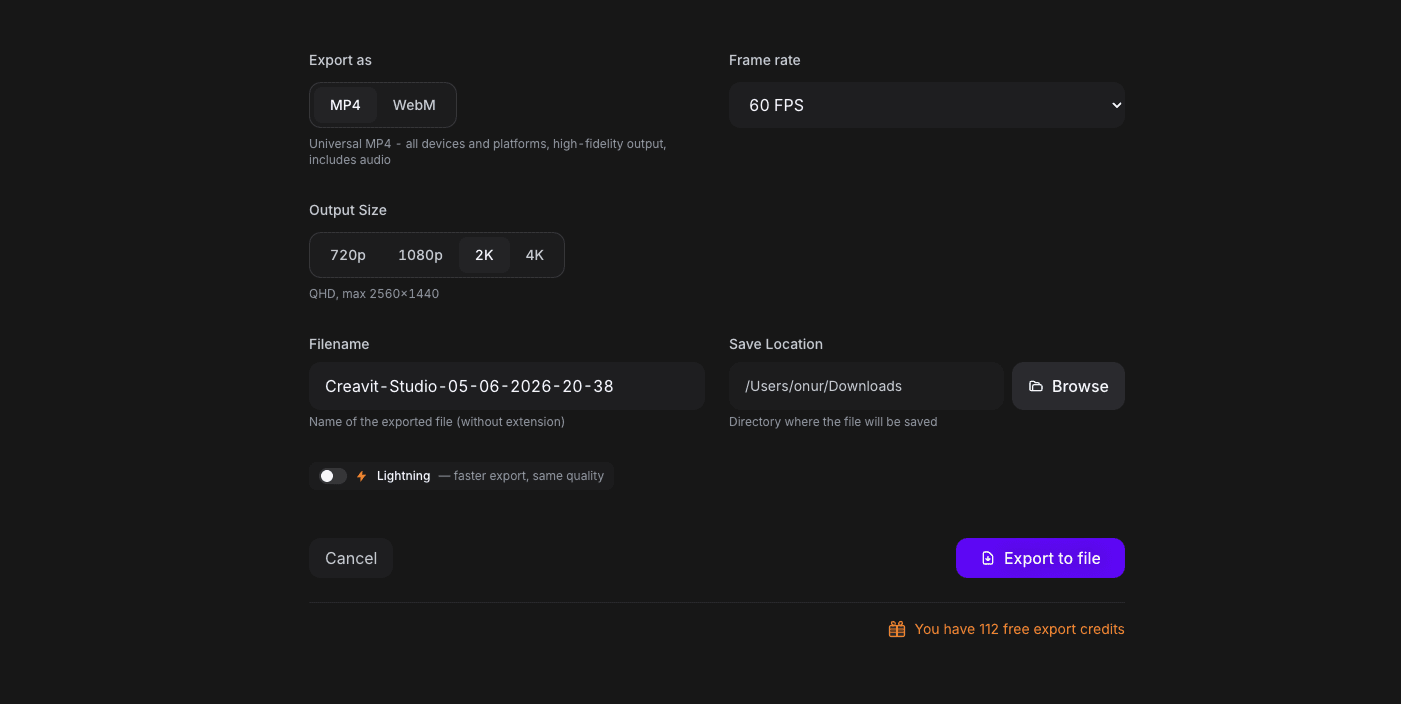
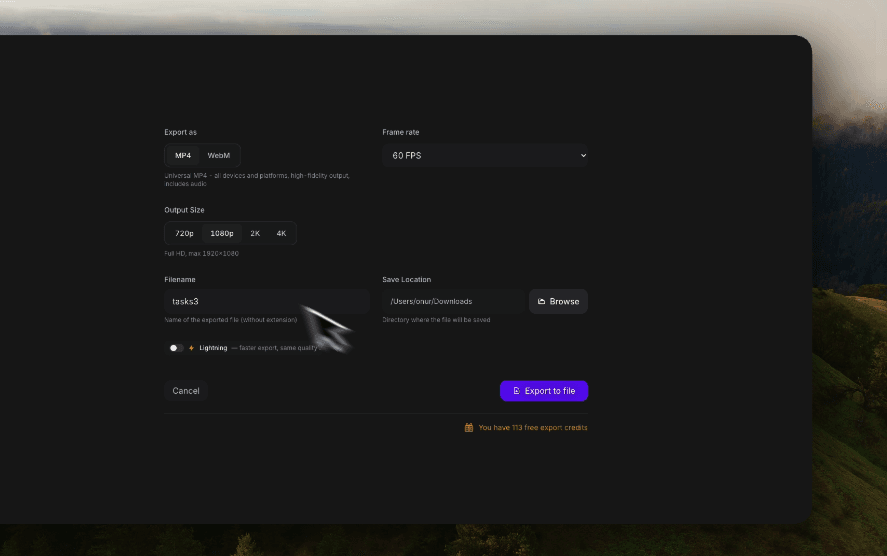
Faster Export Option

A new option has been added for faster exports.

This is useful when you want to quickly generate a video without waiting for the highest-quality export settings.

image 2.png

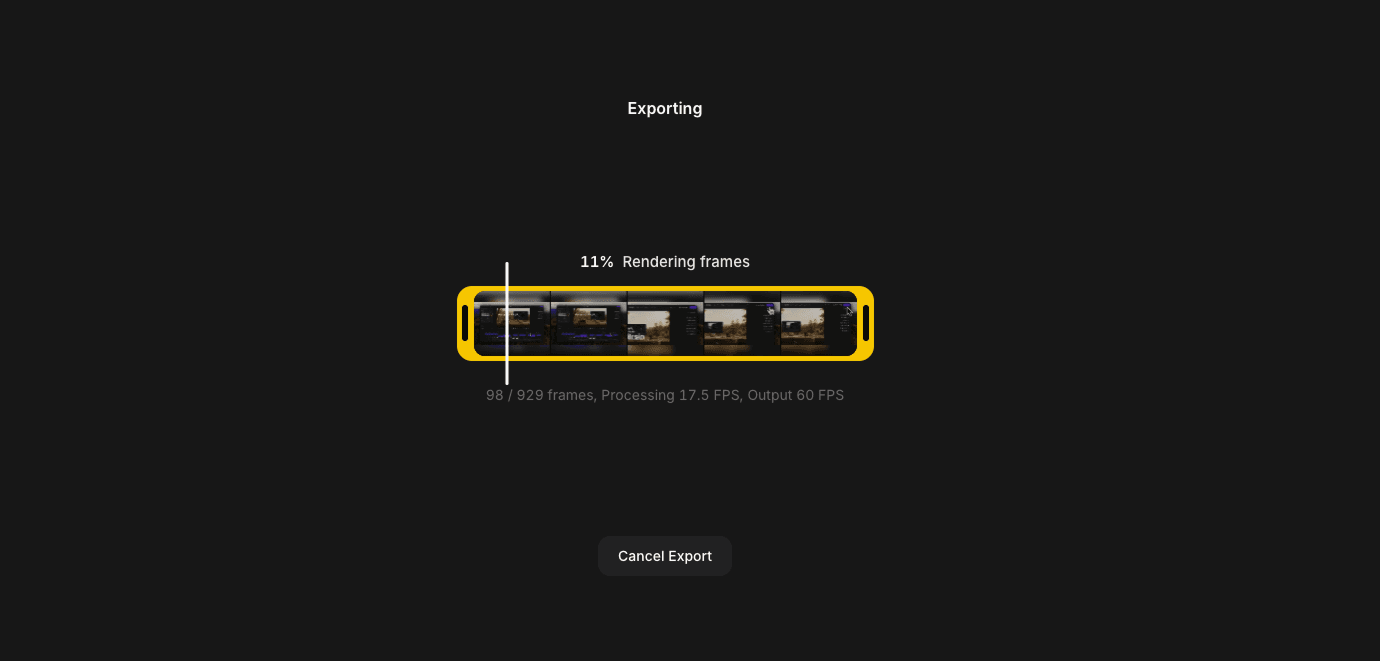
Redesigned Export Progress Window

The export progress window has been completely redesigned.

The new design provides a cleaner and more enjoyable export experience while making the export process easier to follow.

image 3.png

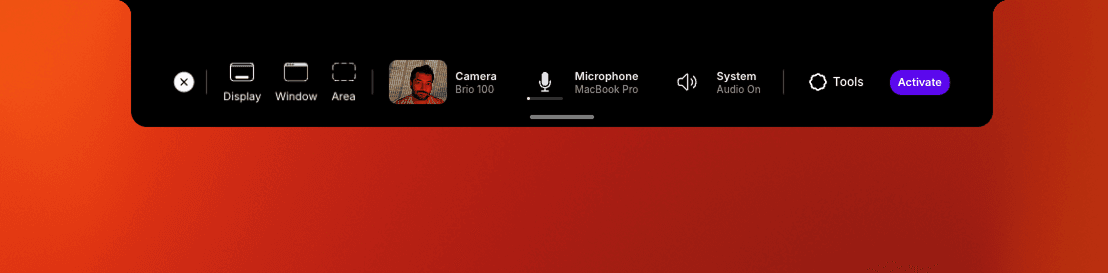
Updated Dynamic Island

The Dynamic Island experience has been updated and improved.

It now feels smoother, more polished, and better integrated into the recording workflow.

image 6.png

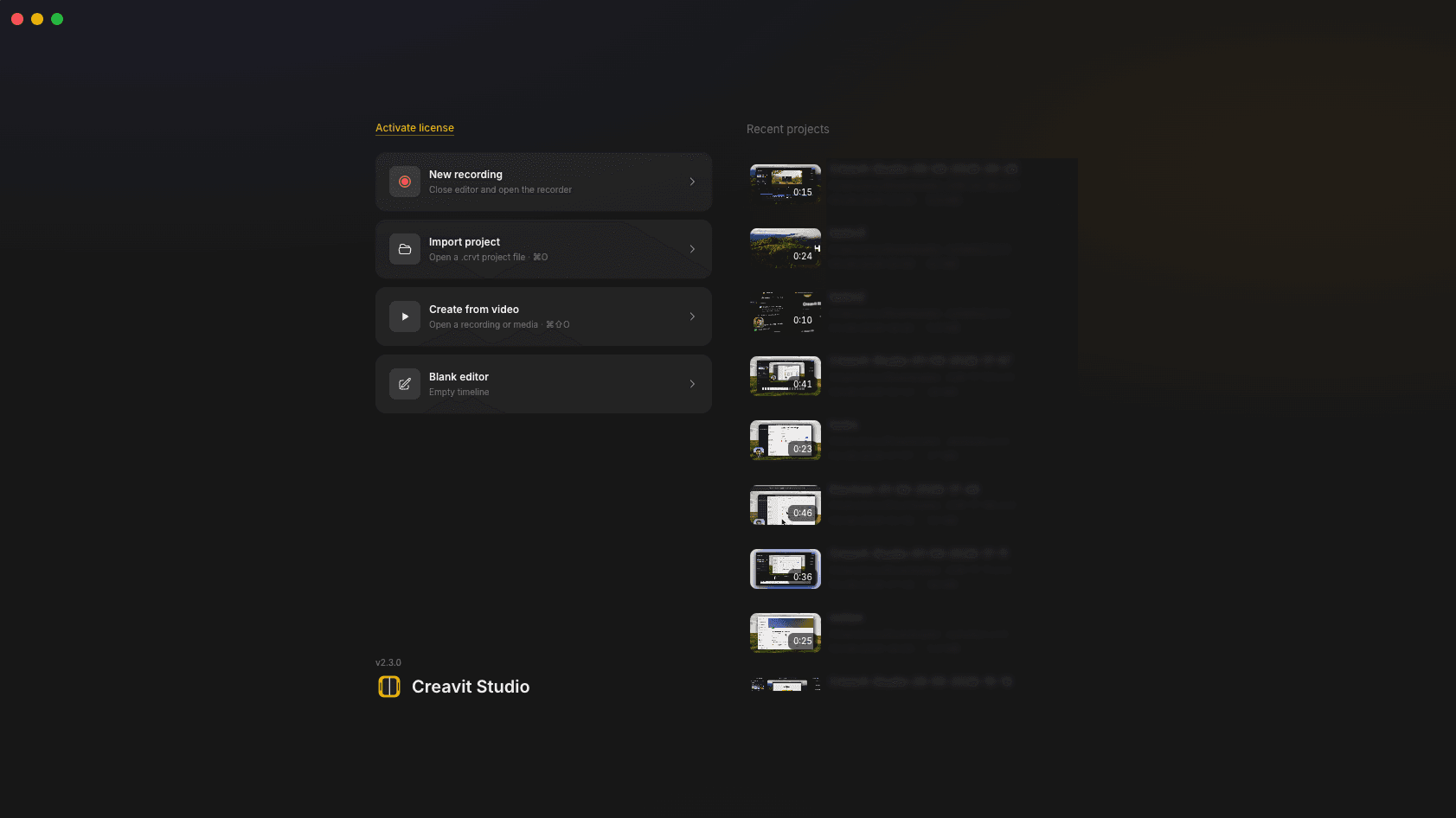
Updated Editor Welcome Screen

The editor welcome screen has been refreshed.

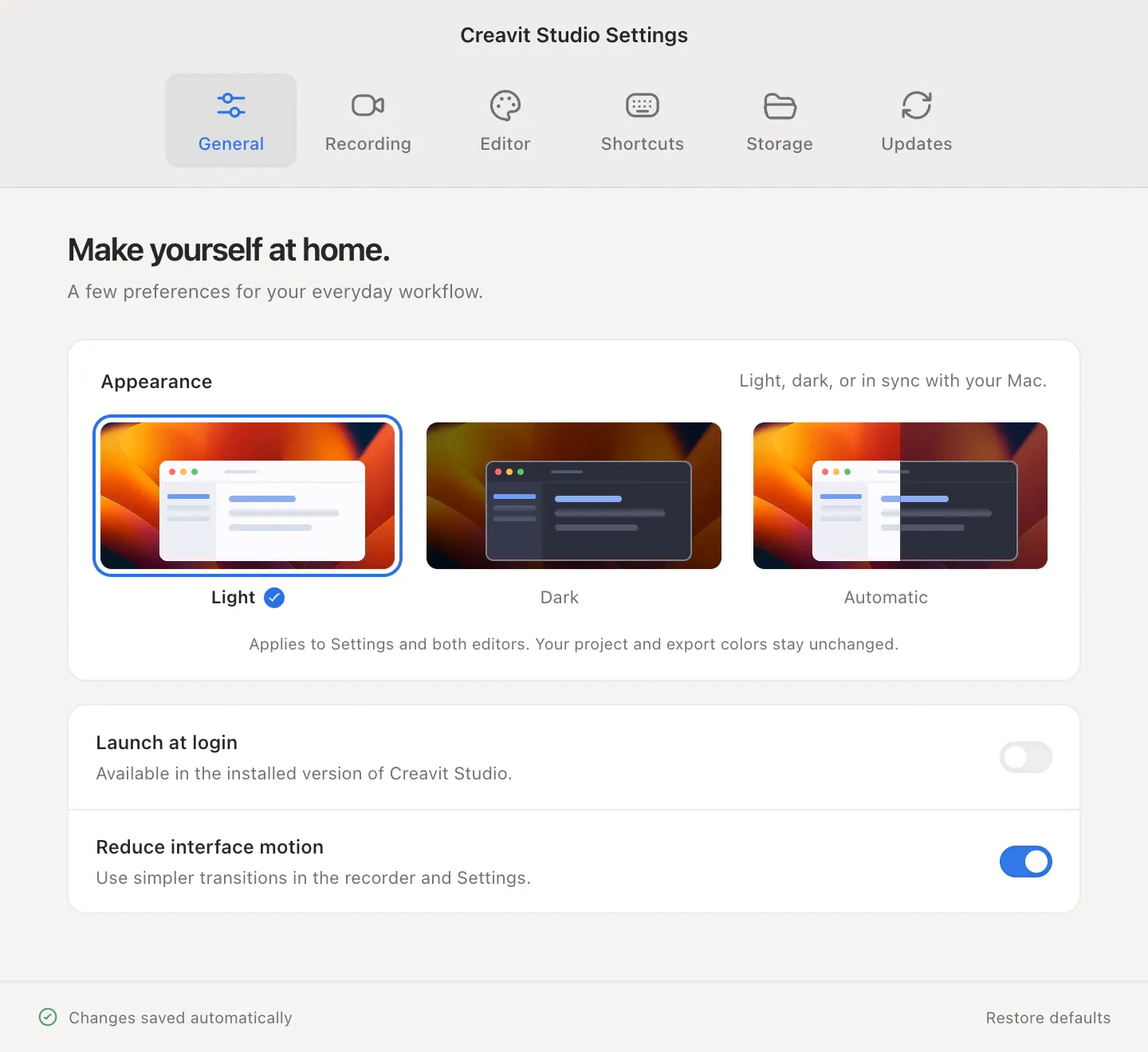
The new version provides a cleaner first impression and improves the onboarding experience inside the editor.

image 1.png

Improved Cursor Animation and Motion Blur

Cursor animations and motion blur have been improved.

Cursor movement now feels smoother and more natural, especially in recordings with zooms, transitions, and fast interactions.

image 4.png

Improved Text Row System

In addition to adding text end-to-end, text can now be added into different rows.

Drag and drop support has also been added between rows, making it easier to organize and manage text elements inside the editor.

image 8.png

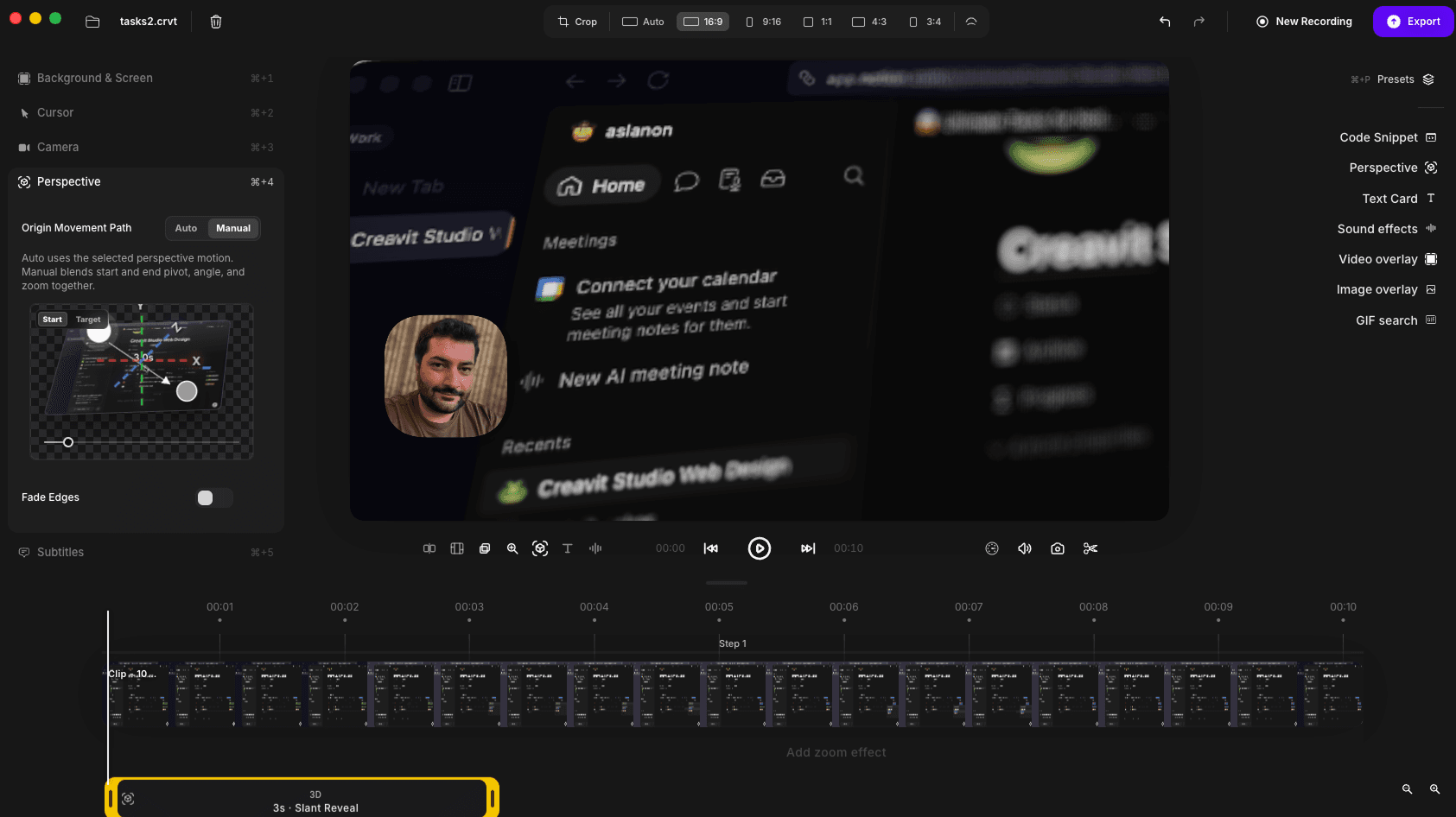
Improved Perspective Mode Drag and Drop

Perspective mode now has a much better drag and drop experience.

This makes perspective layouts easier to control, adjust, and fine-tune directly inside the editor.

image 7.png

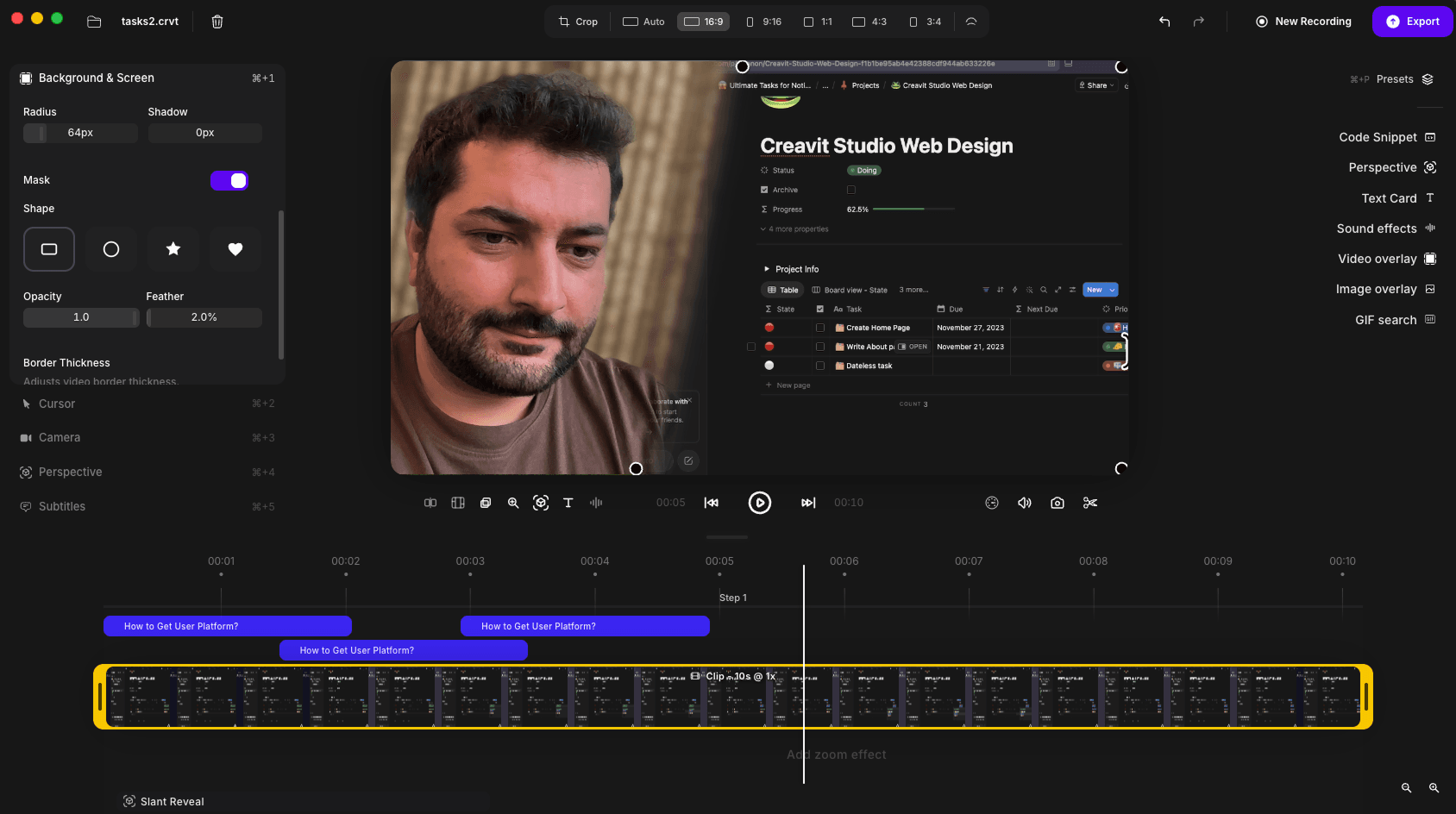
Video Clip Masking

A new masking feature has been added for video clips.

Video clips can now be displayed inside different shapes, making it possible to create more creative layouts and advanced visual compositions.

image 10.png

Canvas Element Layout Levels

A new layout logic has been added for canvas elements.

Elements can now be displayed in front of or behind each other based on their level, giving you more control over complex canvas layouts.

Improvements

  • Performance improvements have been made across the app.
  • Export workflow has been improved.
  • Cursor animation quality has been improved.
  • Motion blur behavior has been improved.
  • Perspective mode editing feels smoother and easier to manage.
  • Canvas element management is now more flexible.
  • Text organization is now easier with row-based editing.

Fixes

  • Many bugs have been fixed.
  • Fixed a playback issue with GIF overlays.
  • General stability improvements have been made.

v2.1.5

Apple Silicon · IntelMay 10, 2026

Creavit Studio 2.1.5

Creavit Studio 2.1.5 is now live 🚀

Improvements & Fixes

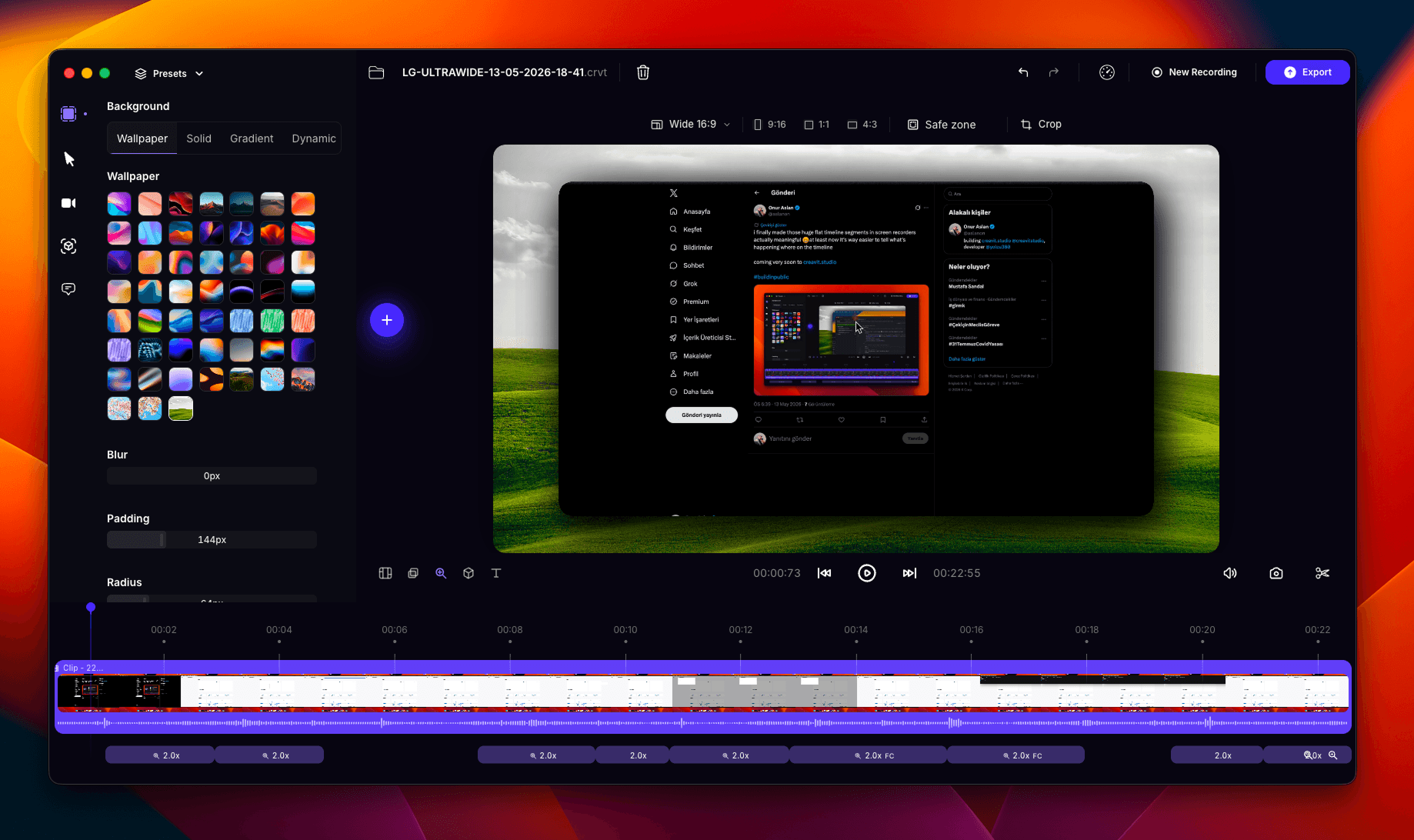
  • Most reported bugs have been fixed, with major UI & UX improvements across the app
  • Improved the license activation flow for users who experienced UX-related issues
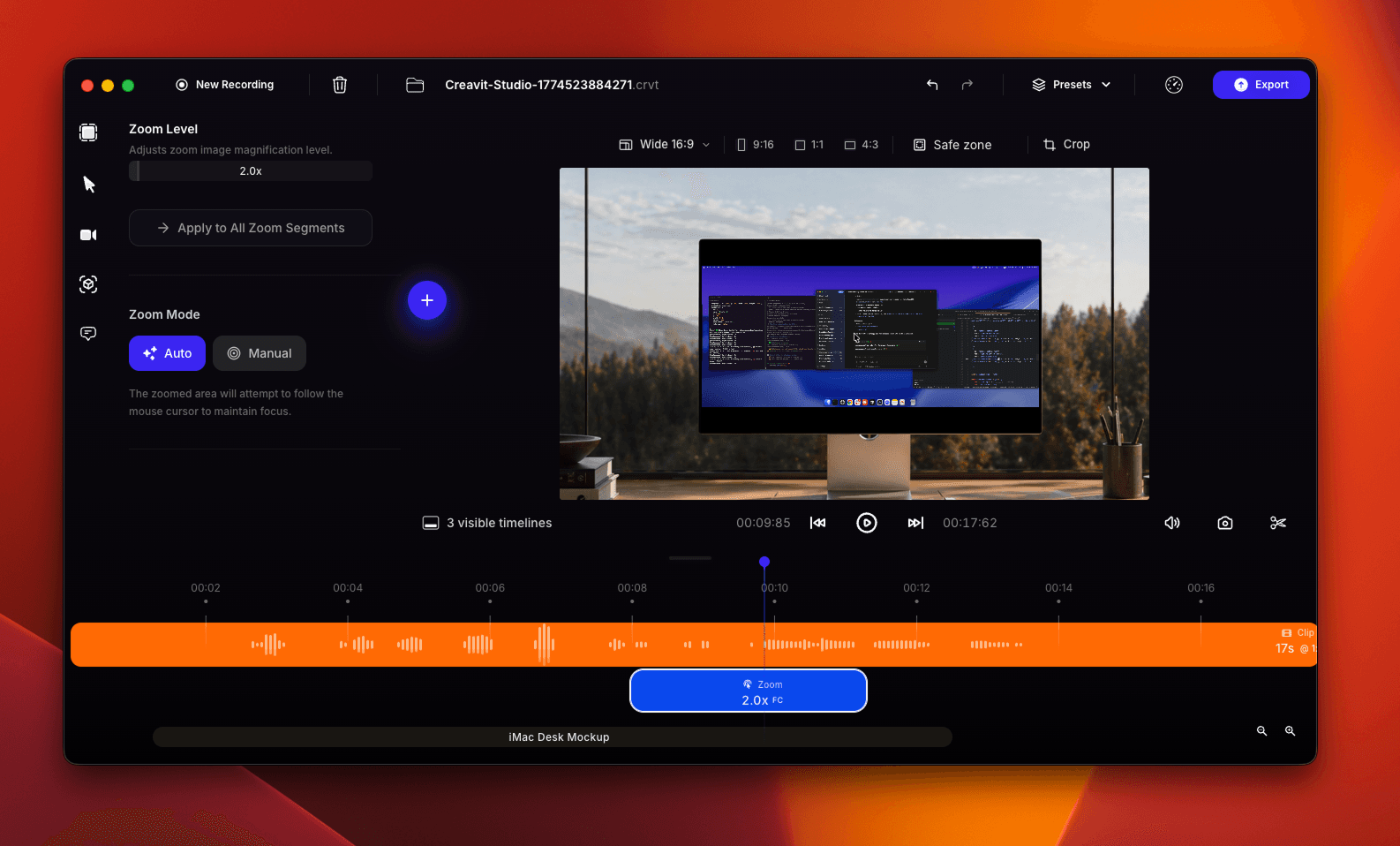
  • Completely rebuilt the zoom engine for a more consistent experience, especially in vertical formats like 9:16
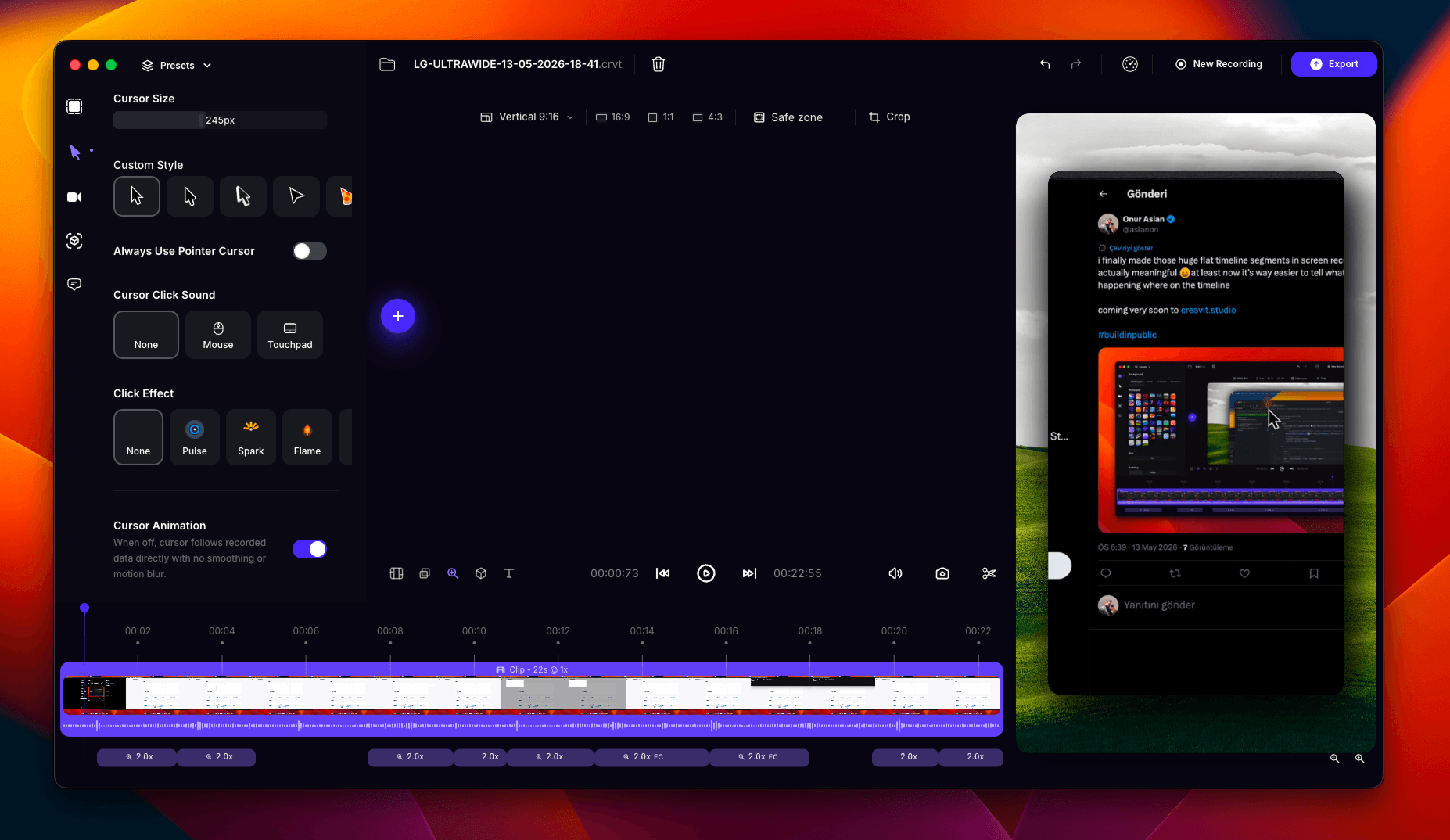
  • Rewritten custom cursor system from scratch
  • Added 4 new click effects to the custom cursor
  • Added new cursor styles and pointer types
  • Improved camera background removal quality
  • Improved export system and reduced visual differences between canvas preview and final exports
  • Enhanced `.crvt` file naming logic based on device, window, or recording area
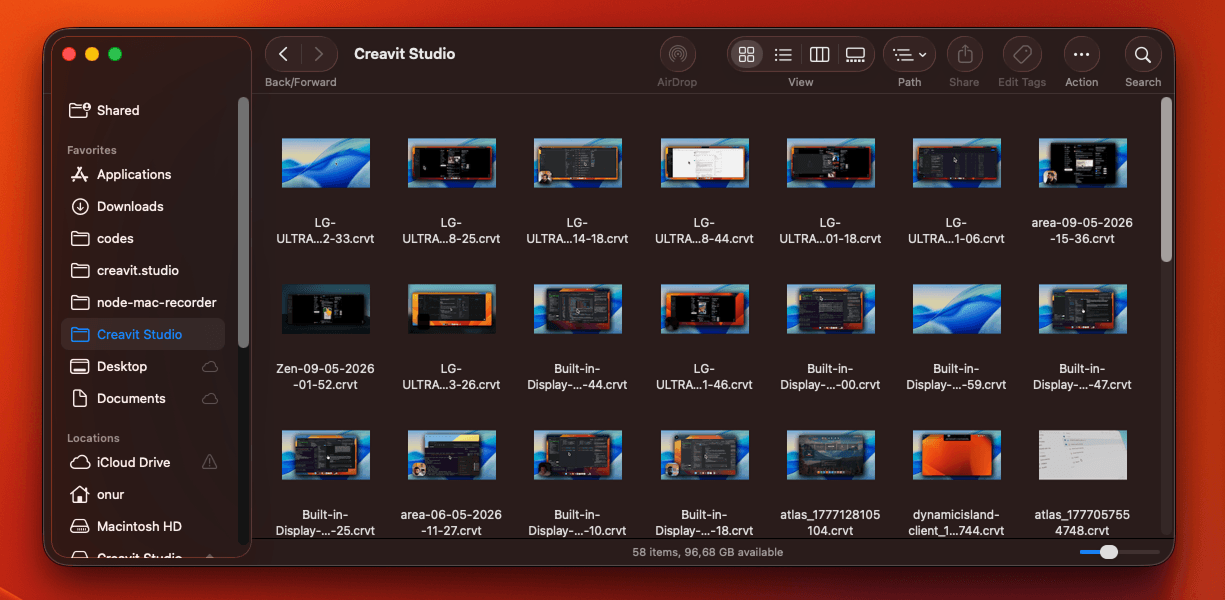
  • Added Finder previews for `.crvt` files on macOS
  • Added a realistic pixel effect to perspective mode
  • Improved dynamic camera layouts and added new device mockups to layout segments
  • Fixed long recording issues and the default 10-second visibility bug on certain devices
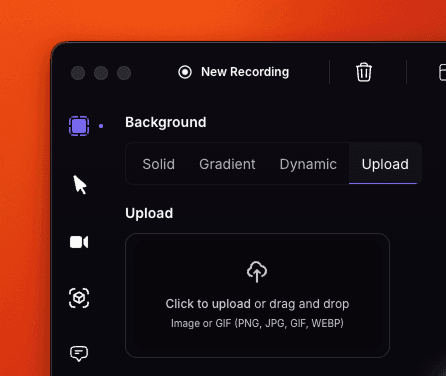
  • Added support for external image uploads as video backgrounds
  • Added dynamic background pattern generation for video scenes
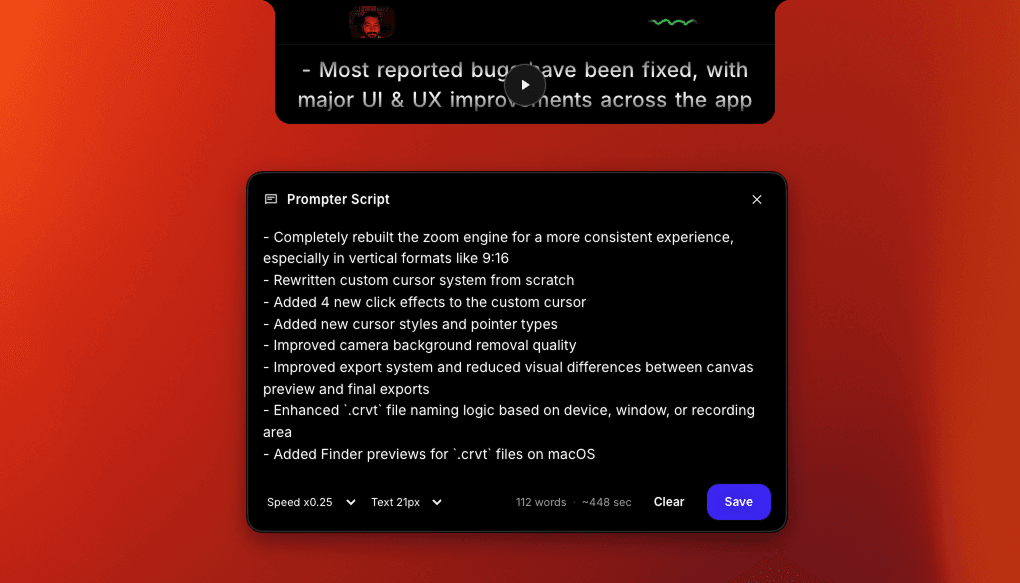
  • Added a built-in prompter, allowing you to read your script directly from the Dynamic Island while recording

Thanks to everyone using and supporting Creavit Studio 💛

image 160.pngimage 161.pngimage 164.pngimage 162.pngimage 163.pngimage 165.png

v2.0.3

Apple Silicon · IntelApril 3, 2026

Creavit Studio 2.0.3

Creavit Studio 2.0.3 is now live.

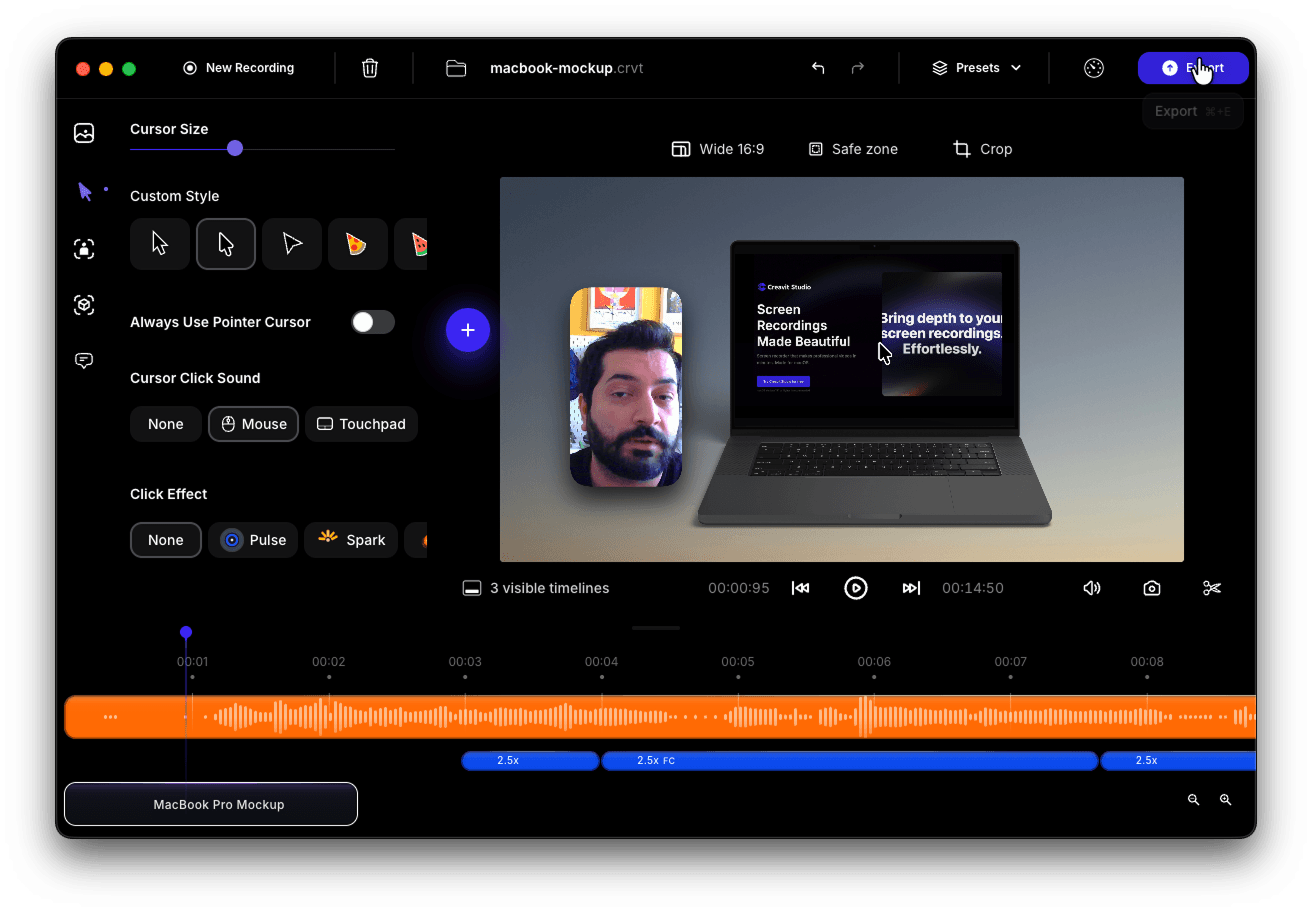
  • A MacBook Pro mockup has been added, you can now present your screen recordings inside a device.
  • Improved 3D transform and perspective experience, delivering more realistic depth and smoother visual transitions.
  • Enhanced camera background removal performance and optimized the preprocessing pipeline for faster and more reliable results.
  • Strengthened synchronization between layout, camera, and cursor systems for a more cohesive editing and playback experience.
  • Updated build and release workflow with improved support for both Apple Silicon and Intel architectures.
image 143.png

v2.0.2

Apple Silicon · IntelApril 1, 2026

Creavit Studio 2.0.2

Creavit Studio 2.0.2 is now live.

  • Introduced a new layout system and improved timeline layout segment flow. Updated layout selector, icons, and layout interaction behaviors.
  • Major overhaul on the camera system. Refactored the background removal pipeline; added ONNX/TensorFlow processing, caching, and precompute queue. Improved camera rendering and settings experience.
  • Significant revisions to the export pipeline. Redesigned export modal, improved FPS options, and applied multiple fixes across Electron, FFmpeg, and export services.
  • Improvements to playback and audio. Enhanced playback behavior, clip media handling, and achieved more stable audio sync during export.
  • Upgraded zoom system. Added connected zoom transitions, dwell detection, auto zoom timing, transition prediction, and contiguous zoom continuity. Improved zoom in/out transitions and cursor tracking.
  • Improved cursor experience. Fixed idle hide behavior, expanded click effect options, and updated mouse settings.
  • Cleaned up build/release workflow. Added `generate:clean` script and streamlined build/publish processes.
  • Updated dependency: `node-mac-recorder` upgraded from 2.22.10 → 2.22.11.
  • Added new regression tests for zoom and cursor behavior: auto zoom timing, cursor idle, zoom cursor tracking, zoom continuity, and transition prediction.

v2.0.1

Apple SiliconMarch 30, 2026

Creavit Studio 2.0.1

Creavit Studio 2.0.1 is now live.

In this version, cursor animations and zoom transitions have been improved, and an issue where large or long-duration recordings would fail to open has been fixed.

A new layout has been added to the dynamic camera system. With this update, when the camera is in full-screen mode, the screen recording can be displayed as an overlay on top of it.

v2.0.0

Apple SiliconMarch 19, 2026

Creavit Studio 2.0.0

Creavit Studio 2.0.0 is now live. This release introduces major improvements in both features and overall stability.

With this update:

  • Screen recording module has been improved, enabling higher quality video capture
  • Multi-screen recording and area selection issues have been resolved
  • A draggable timeline handle has been added, allowing it to expand/collapse and stay in its last position
  • `.crvt` is now officially supported as Creavit Studio’s file format
  • Issues related to saving and opening `.crvt` files have been fixed
  • Most segment types now support reordering and trimming, including clip segments
  • In clip segments, camera, audio, and custom cursor are automatically synchronized
  • Sync issues between camera, audio, and click actions have been resolved, including improved lip-sync accuracy
  • Some segment types can now be duplicated via right-click (clone feature)
  • Custom cursor movements are smoother
  • Zoom and camera transitions are more refined
  • Motion blur effects are improved
  • Performance optimizations have been applied
  • Low-frequency noise is excluded from recordings
  • The export system has been completely redesigned

You can now export exactly what you see on the canvas. Additionally, layout stability has been improved across different aspect ratios (such as 9:16).

---

1. Recording Status via Dynamic Island

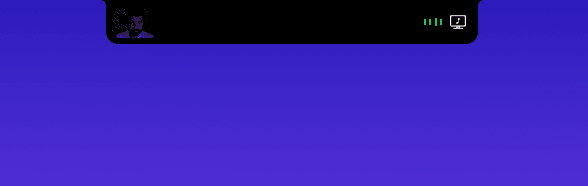
With the active status window in the MacBook Dynamic Island, you can instantly see:

  • Whether your camera is active
  • Microphone status
  • If system audio is included in the recording
nock.png

---

2. Advanced Recording Controls

When you hover over the Dynamic Island:

  • You can access detailed recording settings
  • Quickly adjust your recording configuration
  • Preview your camera with the expandable panel

This makes the pre-recording process much faster.

Screenshot

---

3. New Start (Edit) Screen

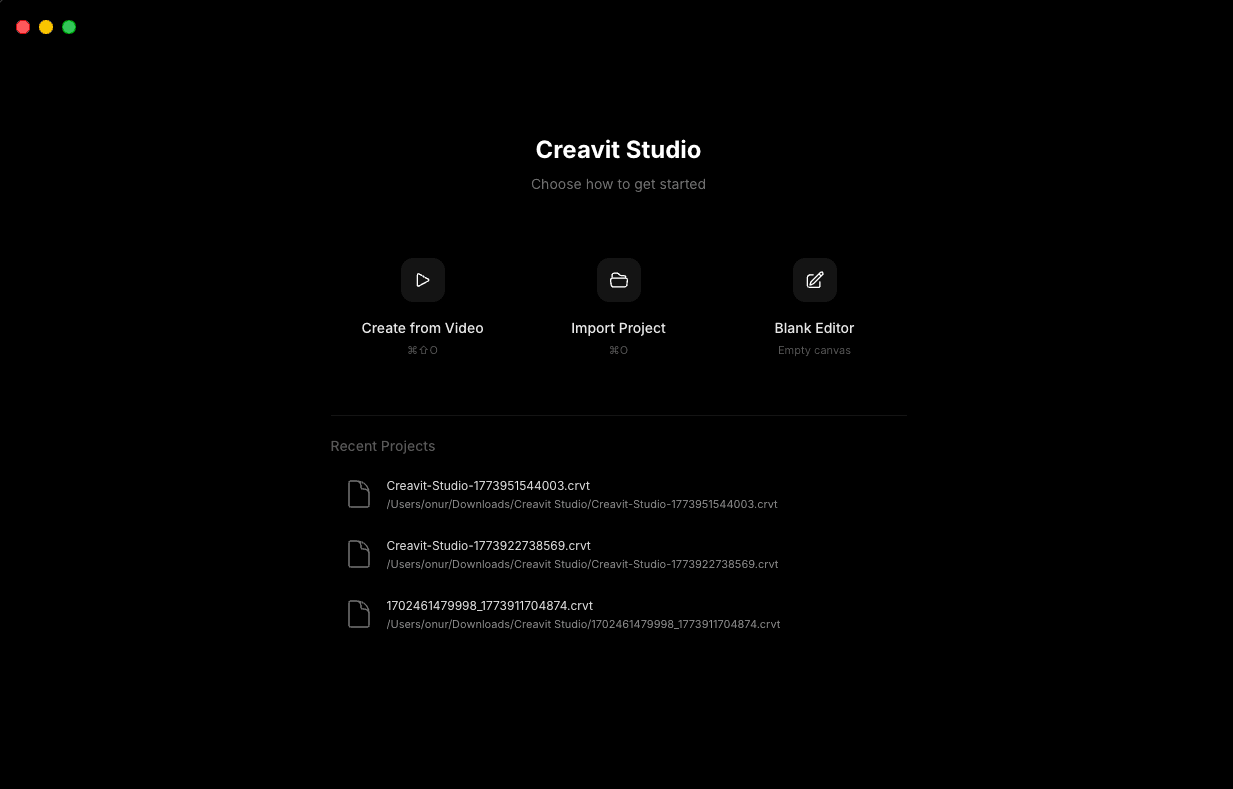
Even if you don’t start a recording, opening edit mode now shows a welcome screen.

From here, you can:

  • Access recently opened `.crvt` files
  • Create content from a video
  • Import `.crvt` files
  • Start directly with a blank project
Screenshot

---

4. Clip Cutting & Trimming

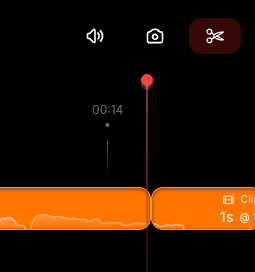
You can now:

  • Cut clip segments at any point
  • Apply trimming easily

This is especially useful when working with longer recordings.

Screenshot

---

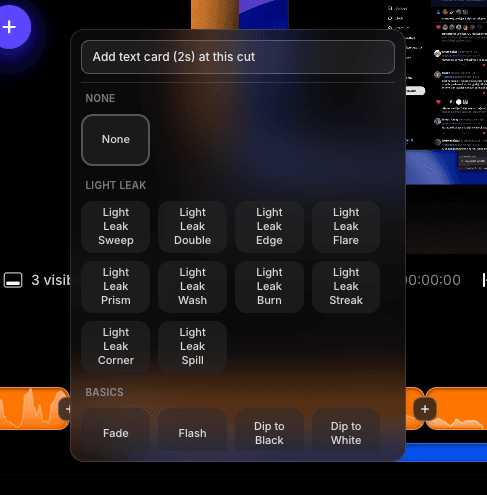
5. Clip Transition Effects

When two clip segments touch, a “+” button appears.

With this button, you can:

  • Add transition effects between clips
  • Create smoother and more professional video flows
Screenshot

---

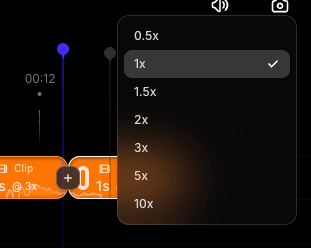
6. Clip Speed Adjustment

By right-clicking on clip segments, you can:

  • Adjust playback speed

This automatically synchronizes:

  • Custom cursor movement
  • Camera position
  • Audio
Screenshot

---

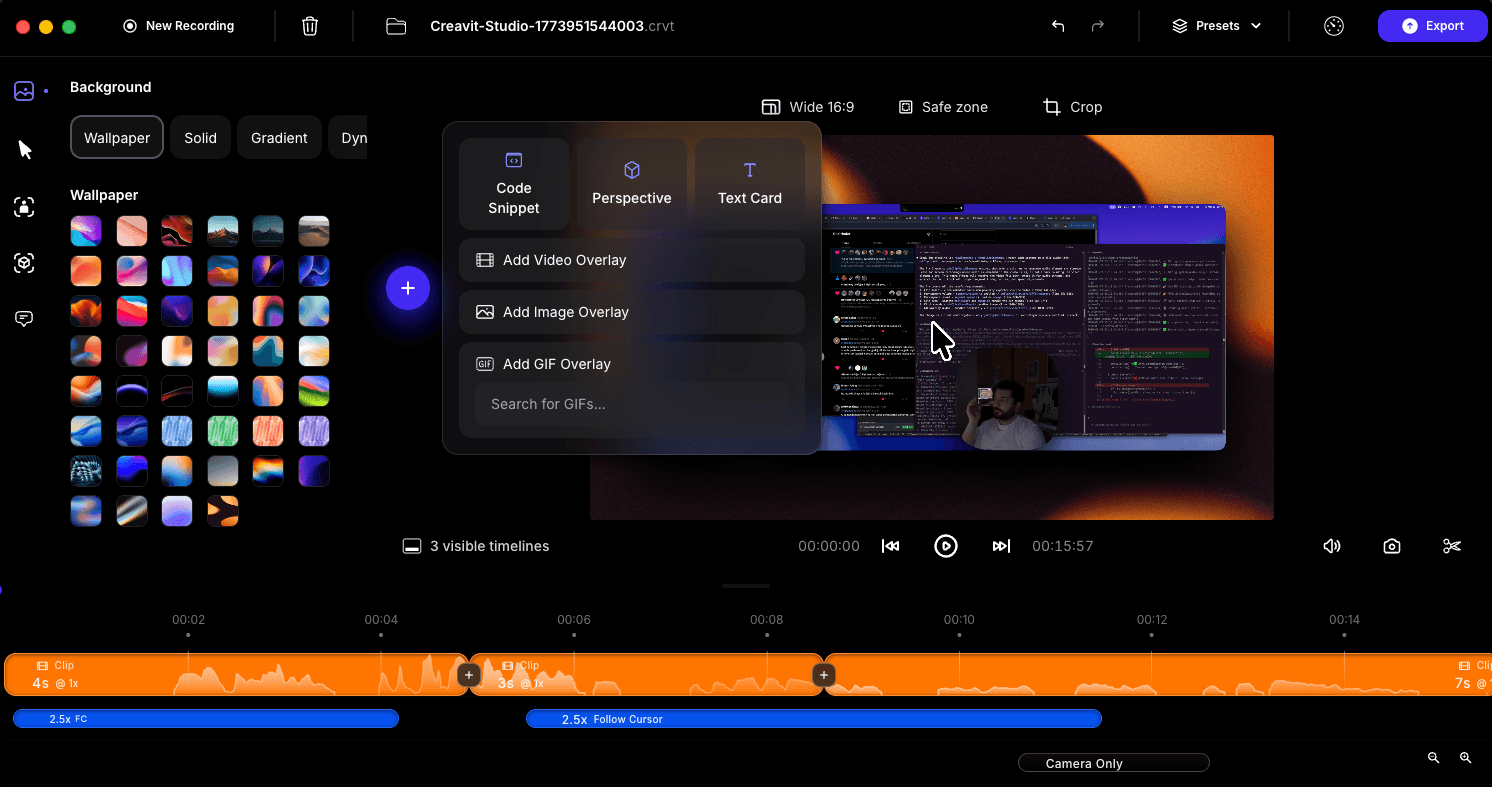
7. Adding Elements in the Editor

Using the “+” button in the editor, you can add:

  • Code animations
  • Cinematic (perspective) transitions
  • Text boxes

You can also overlay:

  • Images
  • Videos
  • GIFs
Screenshot

---

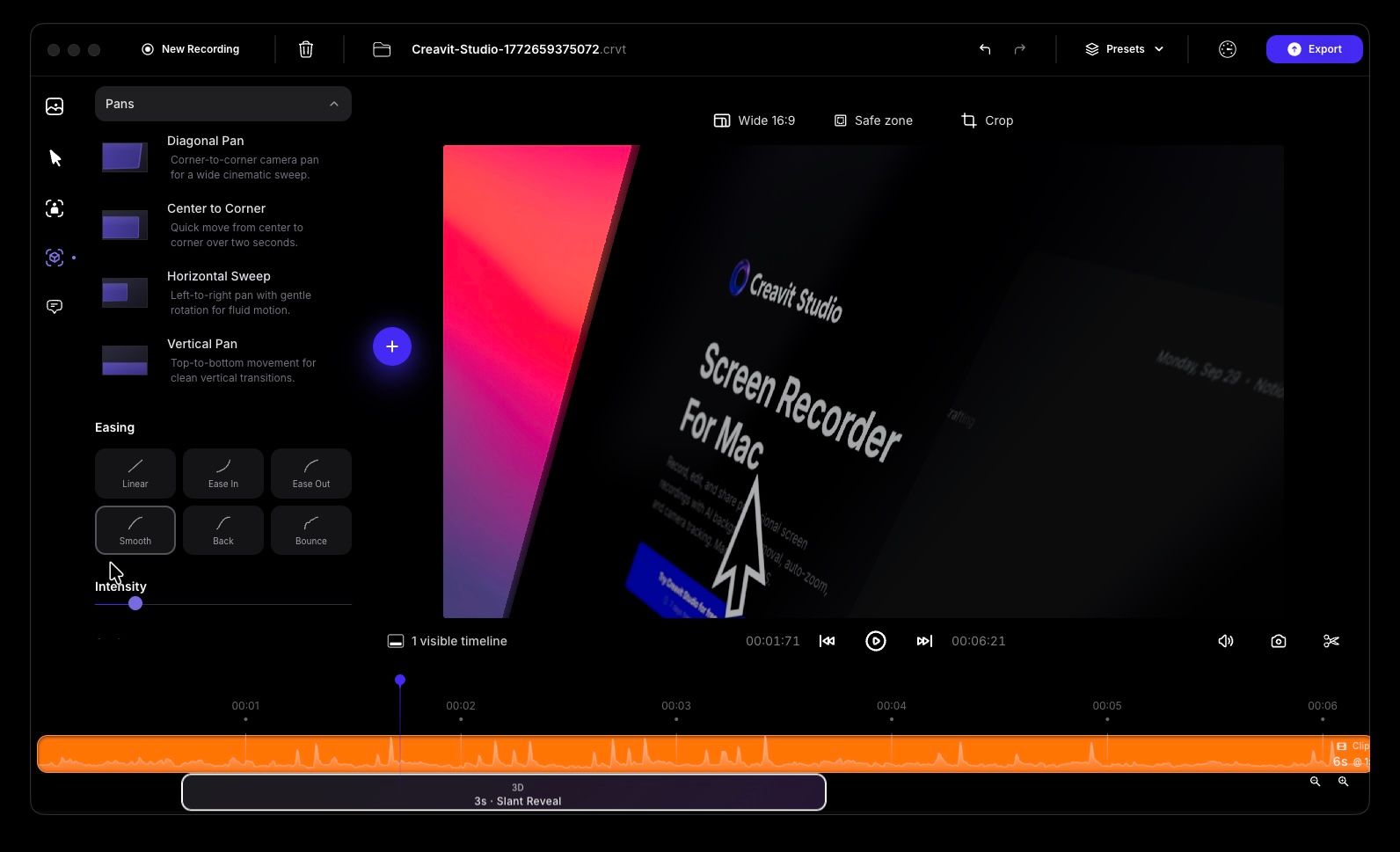
8. Advanced Cinematic Perspective

With the cinematic perspective feature, you can:

  • Create smoother and more engaging videos
  • Present your product more effectively

It’s easy to use and delivers strong results with minimal configuration.

3d.jpg

---

9. Code Animation

With code animation:

  • Break your code into steps
  • Animate each step clearly

This helps viewers understand the flow of your code more easily.

Screenshot

---

10. Text & Style Customization

You can now add text directly to the canvas.

Supported features:

  • Flexible styling combinations
  • Background covers for text
  • Colors, gradients, and wallpapers
  • External image import
Screenshot

---

11. Media Manipulation on Canvas

You can directly:

  • Resize
  • Rotate
  • Reposition

any images, videos, or GIFs added to the canvas.

Screenshot

---

12. Auto Subtitle System

For clip segments:

  • Automatic subtitle generation is now available

Additionally, you can:

  • Edit generated subtitles
  • Enhance them with animations
Screenshot

---

13. Improved Custom Cursor

Custom cursor improvements include:

  • New cursor variations
  • Two new click sound effects

This makes interactions feel more natural and clear.

Screenshot

v1.1.5 - Release Candidate 2

Apple SiliconDecember 17, 2025

Creavit Studio 1.1.5 – Release Candidate 2

Recording Improvements

  • Improved camera high-size recording handling
  • Fixed performance and export issues in long-duration recordings

Audio Enhancements

  • Included audio in GIF and video overlays
  • Added audio waveform to clip segments
  • Improved camera and audio lip-sync issues

Editing & Animation

  • Improved zoom animations

Playback & Preview Performance

  • Added 3 different options for high-performance canvas preview in the media player

Export Improvements

  • Improved export pipeline and overall export stability

Timeline & Layer Management

  • Added a layer button to the timeline, allowing unwanted segments to be hidden

Design Improvements

  • Overall design and UI improvements

v1.1.4 - Release Candidate

Apple SiliconNovember 28, 2025

Creavit Studio 1.1.4 – Release Candidate

Export and Recording Improvements

  • Fixed an issue that caused the application to freeze during export.
  • Resolved the problem where audio was heard during export.
  • Added the ability to export screen, system audio, and camera video captured via “Record Files.”
  • Increased the overlay level for area recording to “screen saver”; the menu bar is now included in recordings.

Project and File Management

  • Fixed an issue preventing `.crvt` project files from opening.
  • Added the Create from Video feature; you can now import a video and use all editing and zoom tools.

User Data and Update System

  • Fixed a bug that caused user data to be cleared when switching between applications.
  • Resolved an issue with the automatic update system.

Zoom and Cursor Enhancements

  • Added an Apply to All option for zoom settings.
  • Improved the custom cursor engine and added a motion blur effect.
  • Ensured the custom cursor remains visible within the safe area (canvas) during zoom operations.
  • Introduced a new Tahoe background and a new custom cursor, now used as the default appearance.

Interface and Usability

  • Implemented various UI improvements and enhanced overall application stability.
  • Added quick-jump buttons to navigate to the beginning and end of the video in the player controls.

v1.0.15

Apple SiliconNovember 23, 2025

Creavit Studio 1.0.15 (Beta)

Features

  • Screen, window, and region recording
  • Custom cursor support
  • Dynamic camera layout
  • Camera following the custom cursor
  • Automatic cursor zoom
  • GIF, image, and video overlay
  • Background removal for the camera after recording
  • Exporting in multiple formats
  • Export functionality
2.jpeg3.jpeg4.jpeg5.jpeg